Stop Wondering What to Teach in the Computer Lab
In this free training, you’ll learn how to organize your technology lessons, sequence skills across grade levels, and create a simple plan for your computer lab.
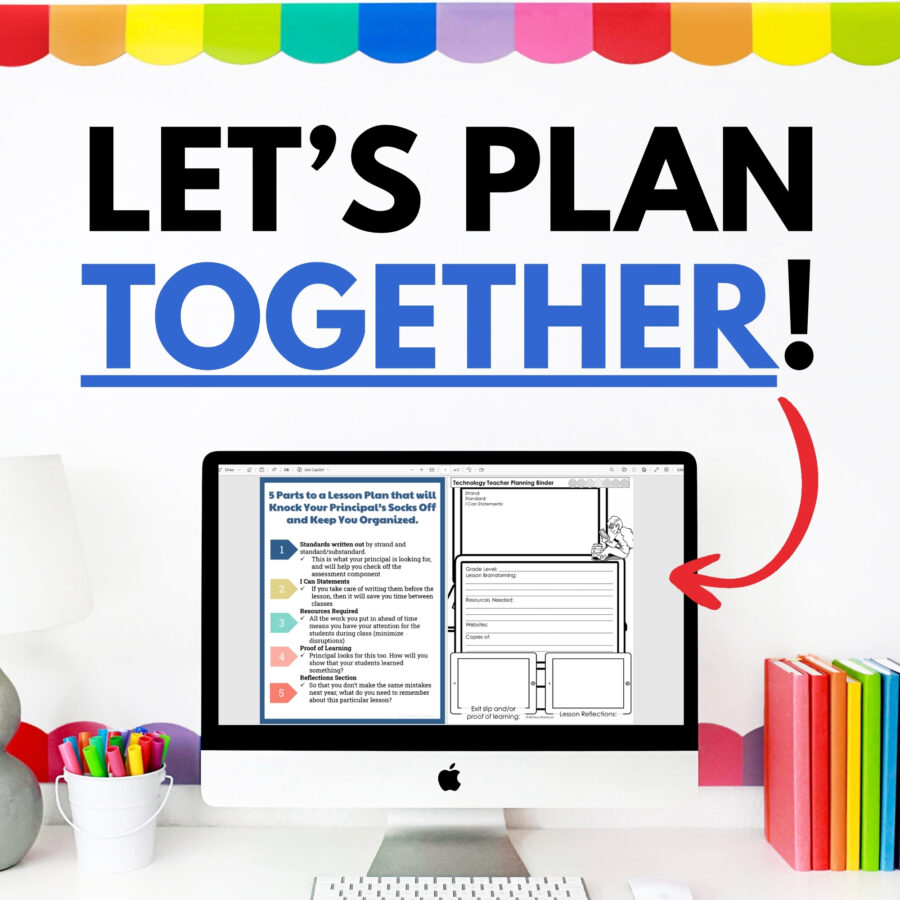
This free training is for you if…
- You teach elementary technology and don’t have a clear scope and sequence.
- You’re new to the computer lab and aren’t sure where to start.
- You teach multiple grade levels and need a better way to organize lessons.
- You want students building real tech skills, not just completing random activities.
- You need a simple system for planning, pacing, teaching, and tracking progress.
Inside the free training, you’ll learn:
- How to think about your role as a technology teacher
- Why tech lesson planning feels different from classroom lesson planning
- A simple Plan / Pace / Teach / Track / Reflect framework
- How to format lessons for K–2 vs. 3–5
- How to sequence technology skills across grade levels
- How to build a simple curriculum map
- How to make assessment manageable
- What systems help the computer lab run more smoothly
- Why having a backup plan saves your sanity when technology doesn’t cooperate
You’ll also see how strategies like scaffolding, spiral review, mastery-based skill development, and authentic assessment apply to elementary technology lessons.
What You’ll Learn:
- ✔️ How to organize your technology curriculum for the entire year without scrambling for lessons every week
- ✔️ A simple framework for planning technology lessons from standards to assessment
- ✔️ How to break overwhelming technology standards into smaller, teachable skills
- ✔️ Ways to track student progress without creating more work for yourself
- ✔️ How to help students reflect on their own technology growth and skill development
- ✔️ The exact planning approach I used as an elementary technology teacher and curriculum creator
When you sign up, you’ll get:
- The 35-minute on-demand training
- A digital note-taking guide
- Practical planning prompts you can use right away
- A simple framework for organizing your computer lab year
- Next-step resources for planning K–5 technology lessons
No need to print anything before you watch — the digital notes are copy-ready and easy to use while viewing.
Frequently Asked Questions
How long is the training?
The training is about 35 minutes long and you can watch it on demand.
Do I need to print anything?
No. The training notes are available as a digital Google Doc, so you can make a copy and type directly into the document while you watch.
Who is this training for?
This training is for elementary technology teachers, computer lab teachers, STEM teachers, media specialists, and anyone responsible for teaching K–5 technology skills.
Is this only for brand-new technology teachers?
No. It is especially helpful if you are new to teaching technology, but it is also useful if you’ve been teaching tech for a while and want a clearer planning system.
Will this training tell me exactly what to teach?
The training will help you understand how to organize, sequence, and plan technology lessons across grade levels. If you want the lessons already planned for you, the K–5 Technology Curriculum is the next step.
What if I only see students once a week?
That is exactly the kind of schedule this training and curriculum were designed for. The goal is to help you make the most of limited class time without constantly reinventing your lessons.