




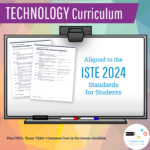

5th Grade Technology Curriculum Subscription
$36.00 / year
40+ 5th grade technology lesson plans and activities for the entire school year that will complete your technology curriculum planning. These lesson plans and activities will save you so much time coming up with what to do during your computer lab time. Ideal for a technology teacher or a 5th grade teacher with mandatory lab time. All you have to do is demo the lesson and then let students get to work! Scroll down to see everything that is included.
No Stress Ordering:
- Download the teacher files as soon as the order is placed.
- You’ll also receive an email with the download link(s) so that you can access them anywhere.
- The subscriptions come with both digital downloads and virtual content hosted on my webpages. All of the access information will be provided to you.
Description
5th grade technology lesson plans and activities for the entire school year that will complete your technology curriculum planning. These lesson plans and activities will save you so much time coming up with what to do during your computer lab time. Ideal for a technology teacher or a 5th grade teacher with mandatory lab time. All you have to do is demo the lesson and then let students get to work! Save money by purchasing this in a Bundle for grades K-5
💻 What’s Included:
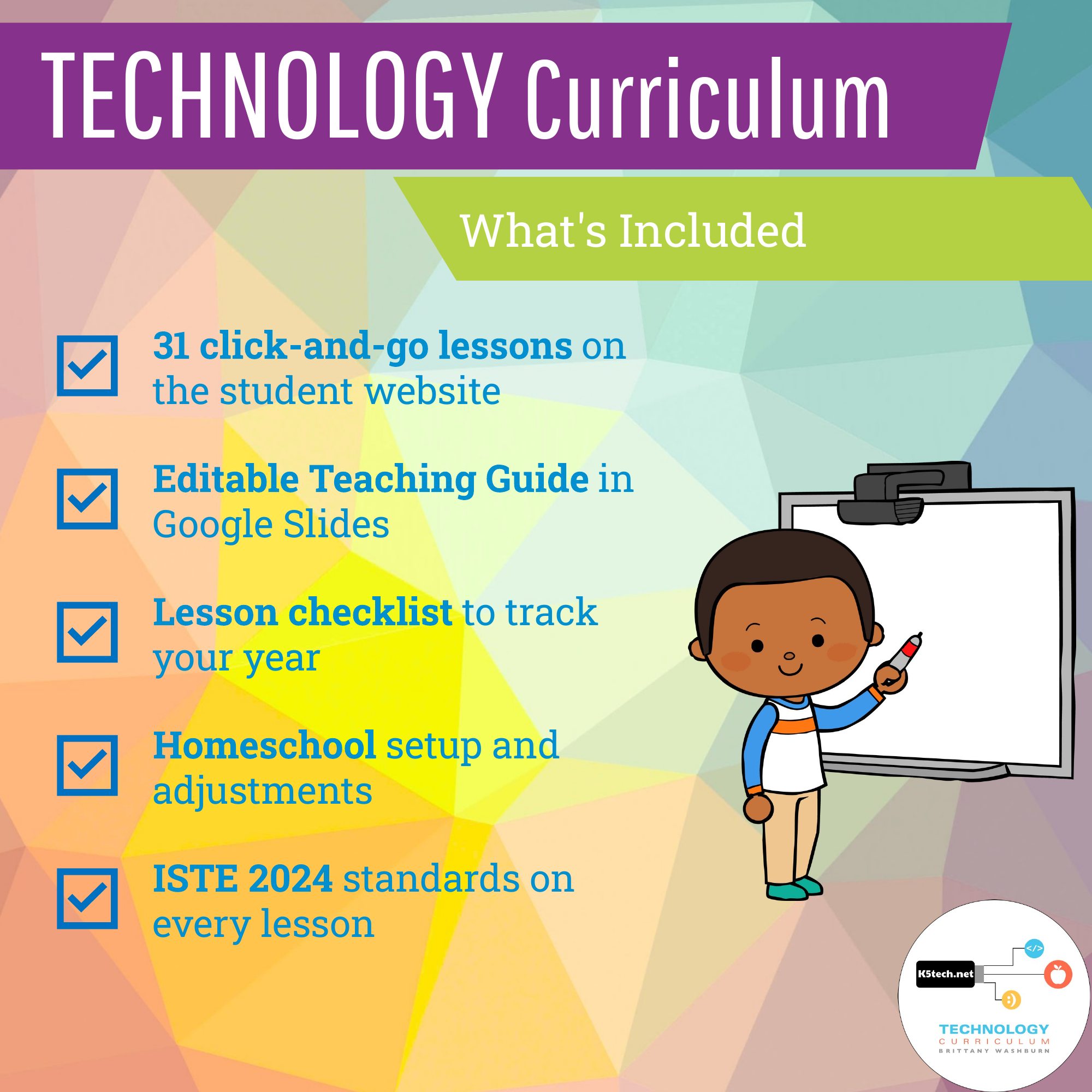
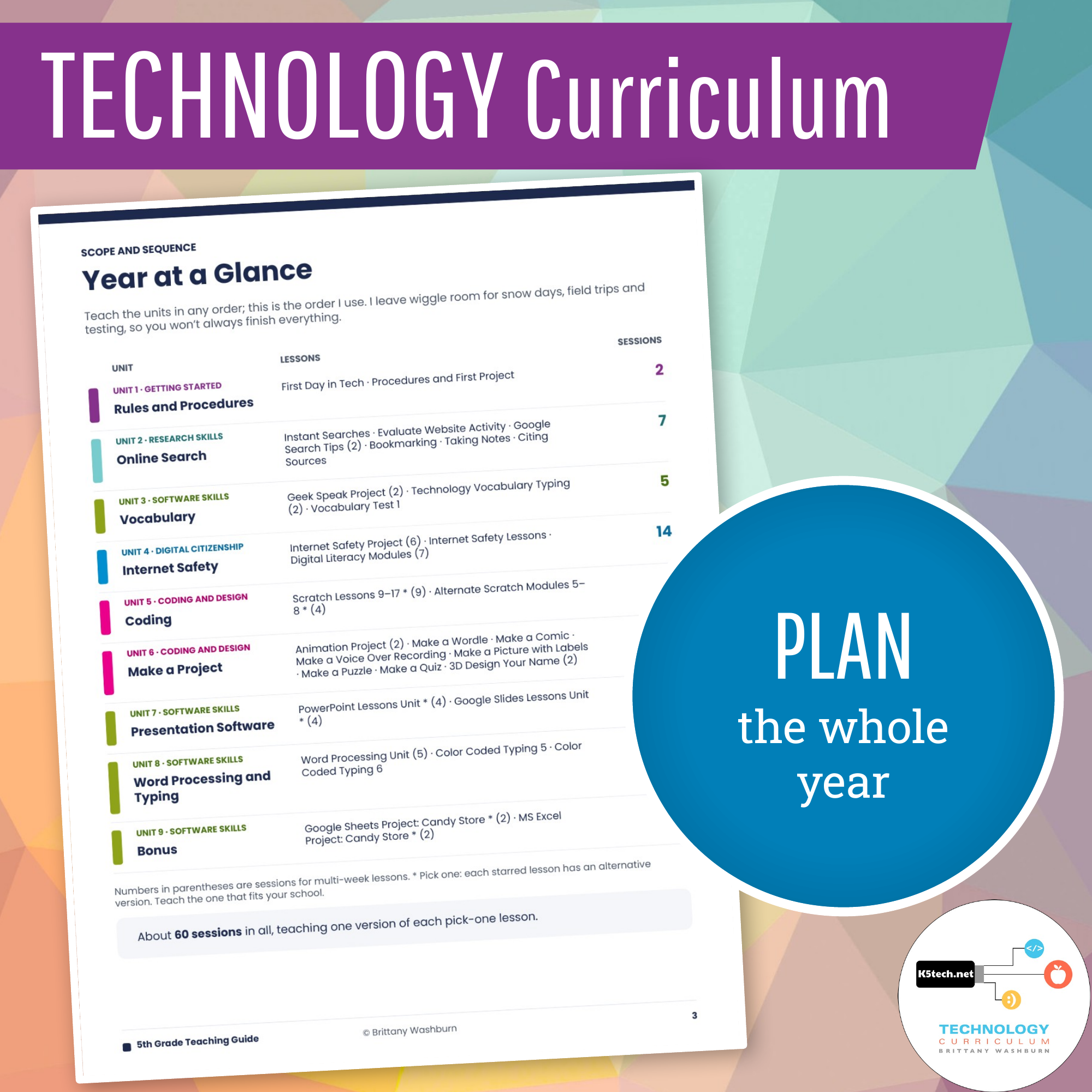
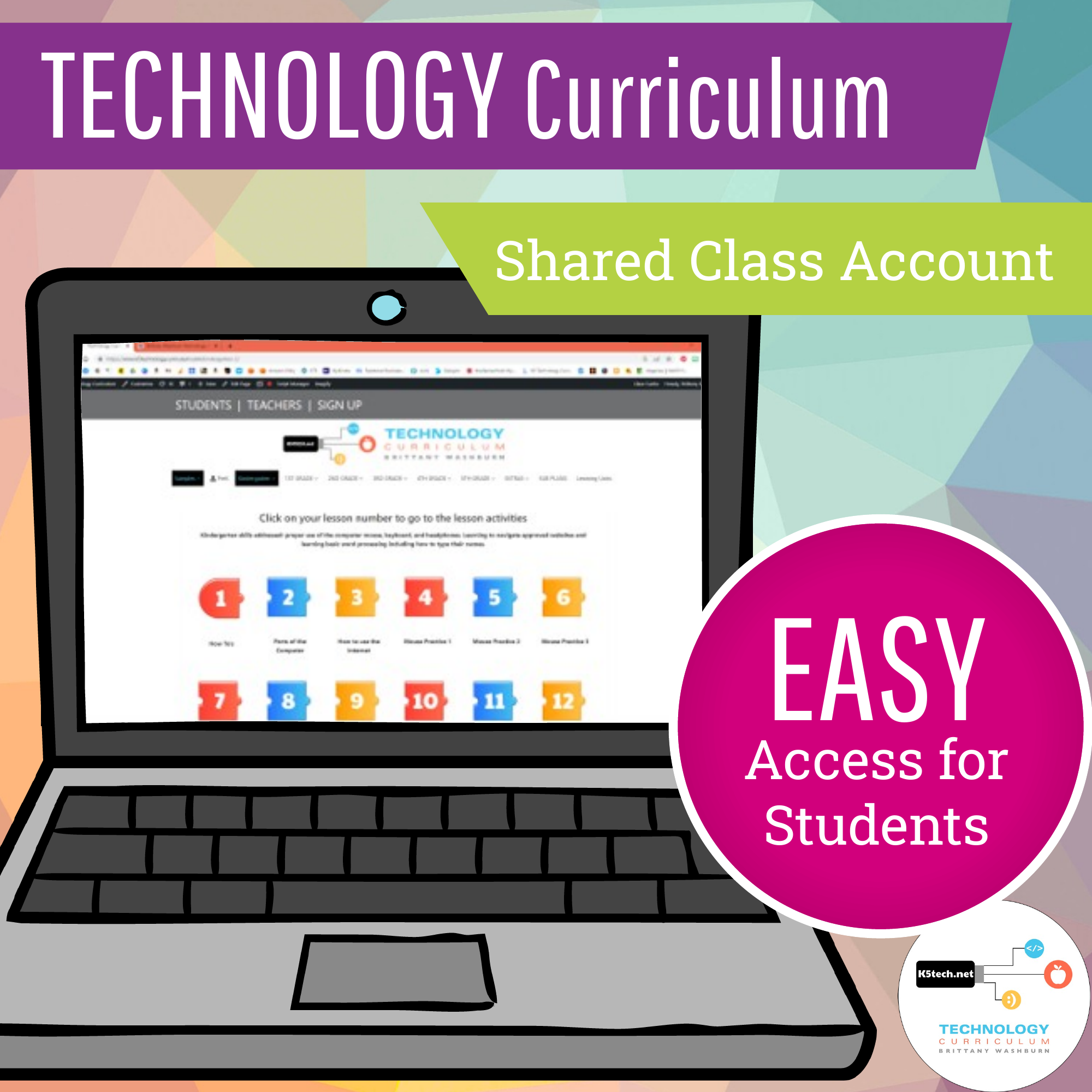
- ✅ A full school year of weekly tech classes: about 60 class sessions of click-and-go lessons and activities on the student website, with a class login
- ✅ An editable Teaching Guide in Google Slides (download it as PowerPoint or PDF)
- ✅ Unit overviews with key vocabulary
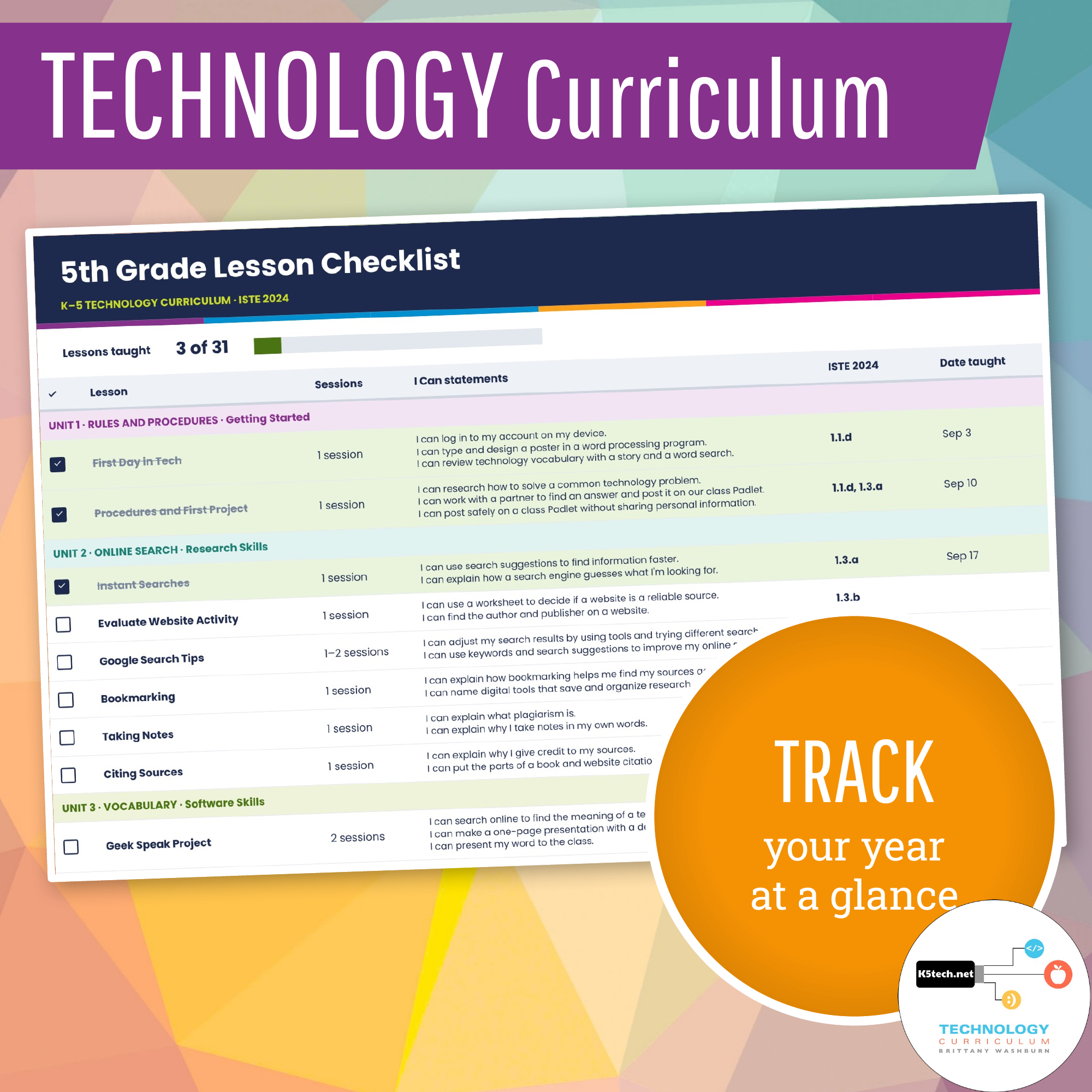
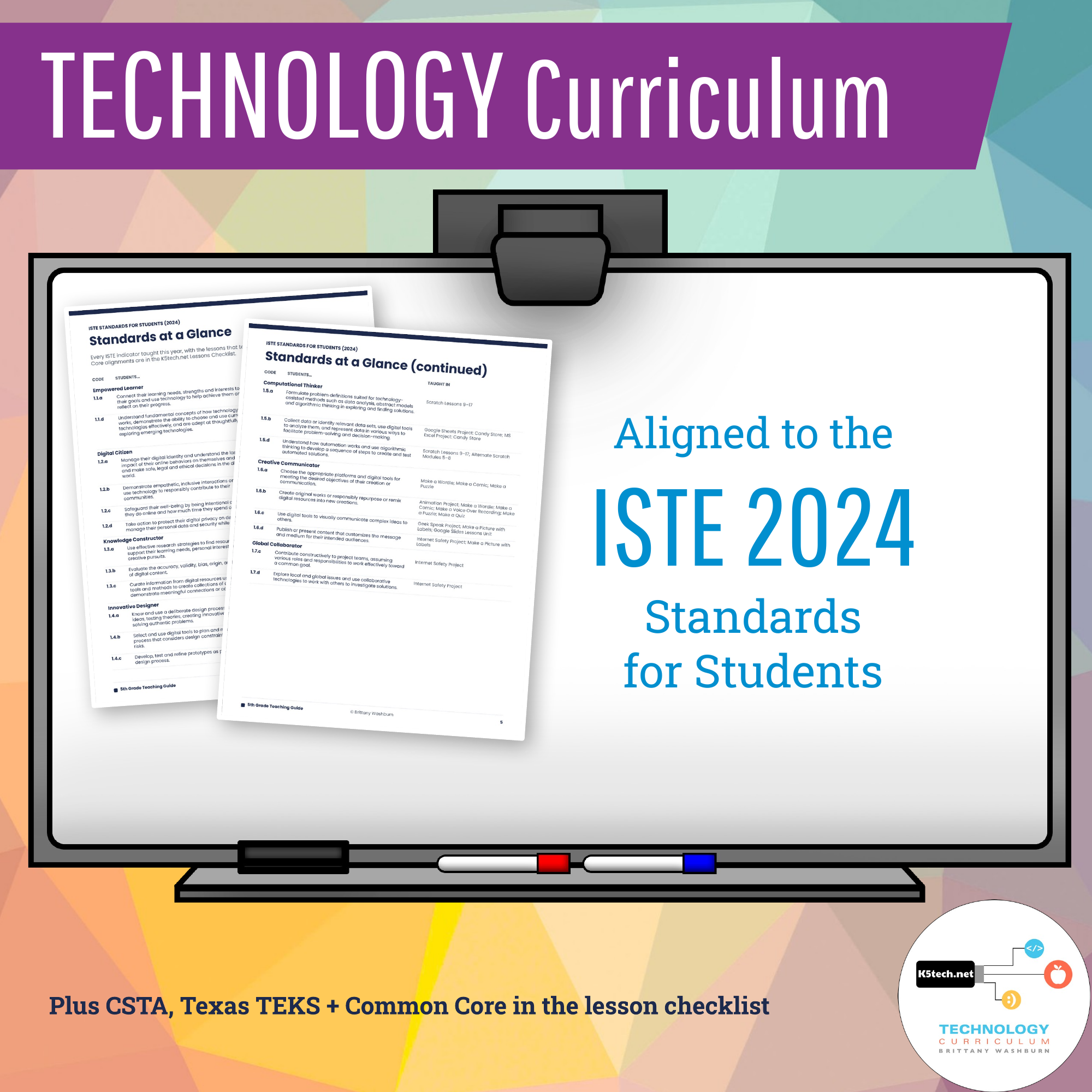
- ✅ ISTE 2024 standards on every lesson, plus CSTA, Texas TEKS and Common Core in the lesson checklist
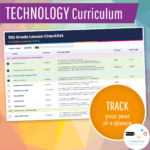
- ✅ A lesson checklist to track your year, with spaces for dates taught and notes
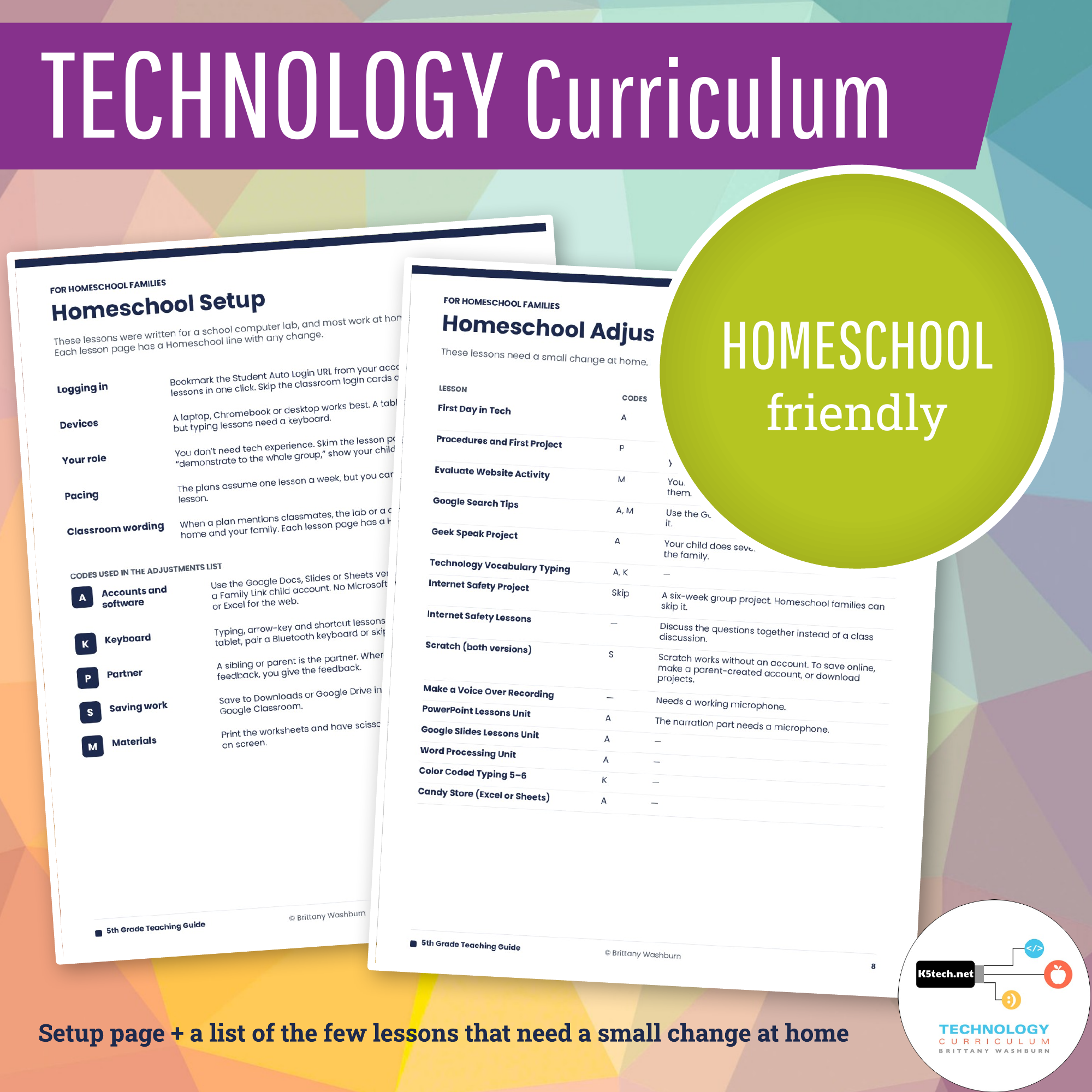
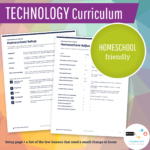
- ✅ Homeschool Setup and Homeschool Adjustments pages
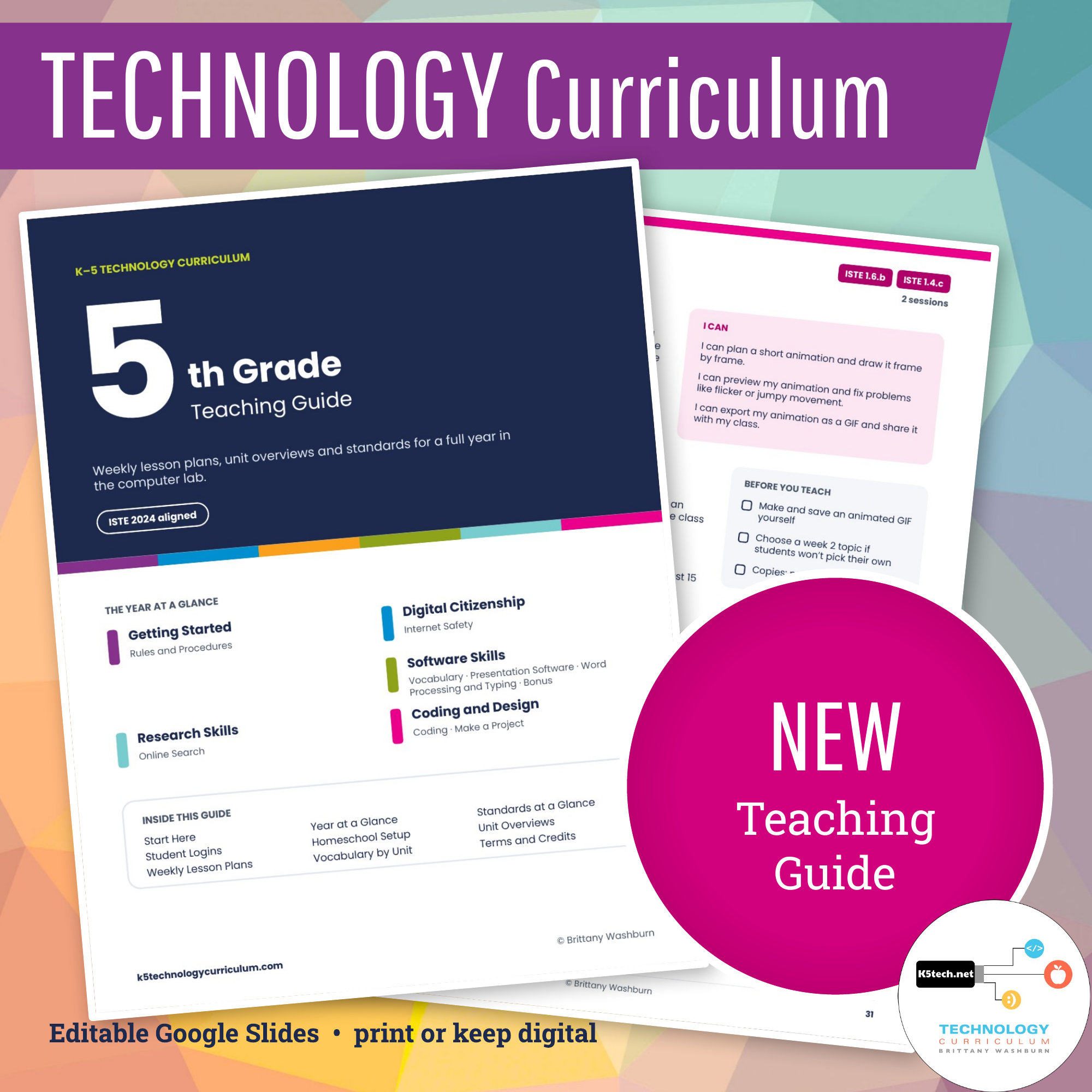
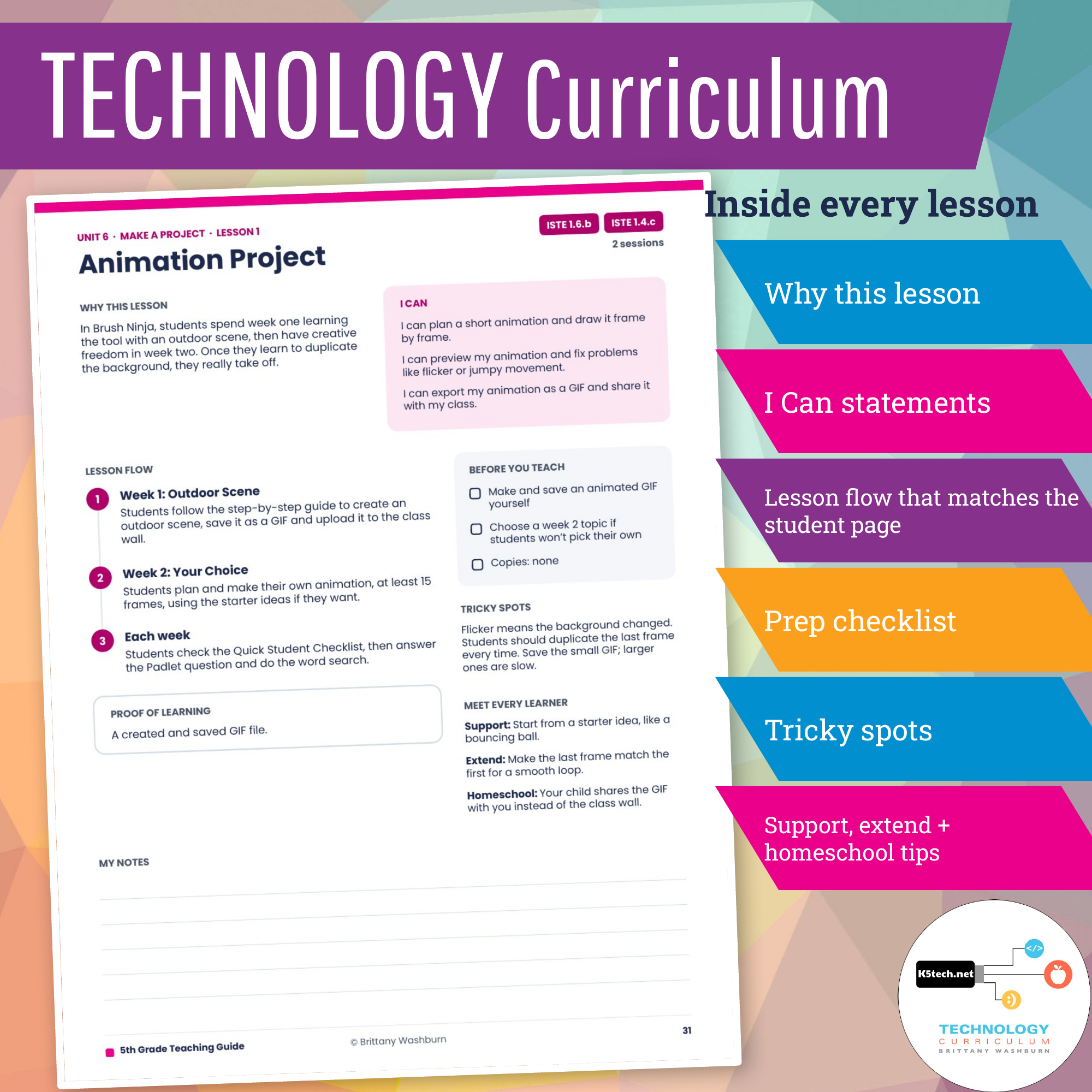
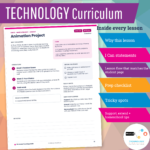
A Teaching Guide for the whole year. Every grade comes with an editable Teaching Guide in Google Slides. It opens with a Year at a Glance, Standards at a Glance and student login steps, then gives you a plan for every lesson: why it matters, the I Can statements, the lesson flow (matching what students see on screen), what to prep, tricky spots and ideas for support and extension. Make your own copy to edit it, print the pages you need, or keep it digital.
Homeschooling? The lessons work at home as written. Each Teaching Guide includes a Homeschool Setup page and a list of the few lessons that need a small change at home, like polling family members instead of classmates.
What you need in order to use these lesson plans:
- Laptops are ideal (PC or Chromebooks) because there are software lessons (Google and Microsoft versions) so students will need to have access to these programs.
- The Teaching Guide is in Google Slides, and you can download it as PowerPoint or PDF.
- Up to date web browser. The lessons have been tested in Chrome, Firefox, Safari, and Edge
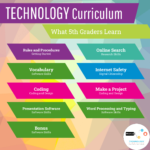
These are the lesson titles you will find in this resource:
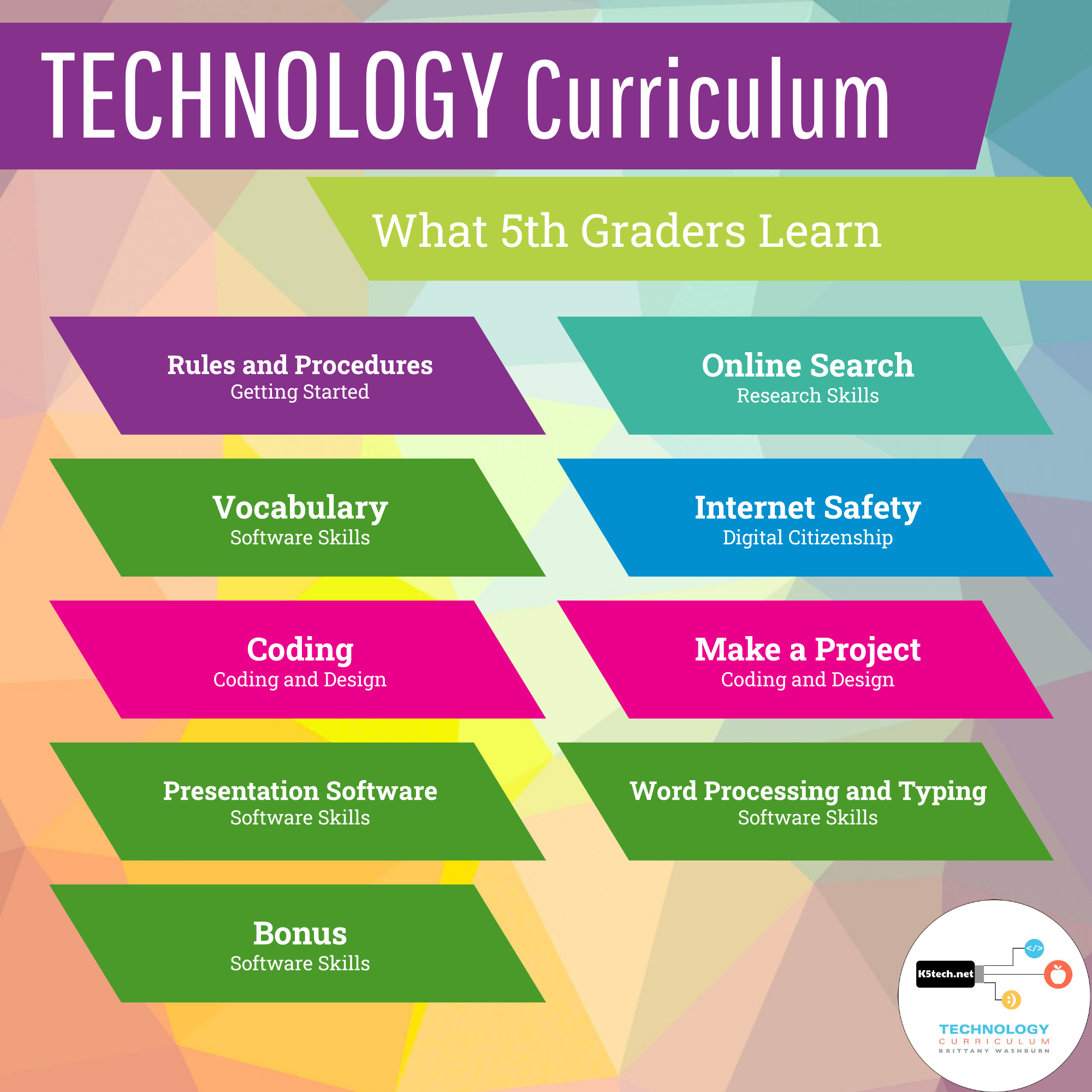
Rules and Procedures
- First Day in Tech: Computer Rules poster
- Procedures and First Project (technology problem solving)
Online Search
- Instant Searches
- Evaluate Website Activity
- Google Search Tips
- Bookmarking
- Taking Notes
- Citing Sources
Vocabulary
- Geek Speak Project
- Technology Vocabulary Typing
- Vocabulary Test 1
Internet Safety
- Internet Safety Project (6 weeks): research and activity creation
- Internet Safety Lessons: online reputation and responsibilities
- Digital Literacy Modules (7 weeks)
Coding
- Scratch Lessons 9–17 OR Alternate Scratch Modules 5–8
Make a Project
- Animation Project
- Make a Wordle
- Make a Comic
- Make a Voice Over Recording
- Make a Picture with Labels
- Make a Puzzle
- Make a Quiz
- 3D Design Your Name
Presentation Software
- PowerPoint Lessons Unit OR Google Slides Lessons Unit
- Design
- Transitions and animations
- Spell check and editing
- Citing sources
Word Processing and Typing
- Word Processing Unit (5 weeks)
- Shapes
- Tables
- Editing
- Styles
- Find
- Color Coded Typing 5 and 6
BONUS if you have time:
- Spreadsheet Project: Candy Store (Excel or Google Sheets)
- 3D Printing Module
- Digital Breakouts
- Extra technology vocabulary activities
- STEM Challenges (great for backup plans any time of year)
Check out the blog post about the 5th grade technology curriculum Watch some video demos of lessons:
You must be logged in to post a review.
You may also like…
-
Sale!

K-5 Technology Curriculum Bundle Yearly Subscription
Original price was: $216.00.$162.00Current price is: $162.00. / year
Related products
-

-
Sale!

Online Test Taking Tools and Strategies Digital Breakout
Original price was: $8.00.$6.00Current price is: $6.00. / year -
Sale!

Technology Curriculum Add on Pack K-5 Bundle
Original price was: $27.00.$21.60Current price is: $21.60.
Reviews
There are no reviews yet.