






3rd Grade Technology Curriculum Subscription
$36.00 / year
A full school year of 3rd grade computer lab lessons, about 49 class sessions built for one class a week. Students learn to type with correct hand position, format documents, build slides and graphs, search smarter, stay safe and kind online, and write their first lines of code. Every lesson is aligned to the ISTE 2024 Standards for Students and works on Chromebooks, PCs and Macs, with Google or Microsoft tools. Ideal for a technology teacher, a 3rd grade teacher with lab time, or a homeschool family.
Last updated November 2026.
No Stress Ordering:
- Download the teacher files as soon as the order is placed.
- You’ll also receive an email with the download link(s) so that you can access them anywhere.
- The subscriptions come with both digital downloads and virtual content hosted on my webpages. All of the access information will be provided to you.
Description
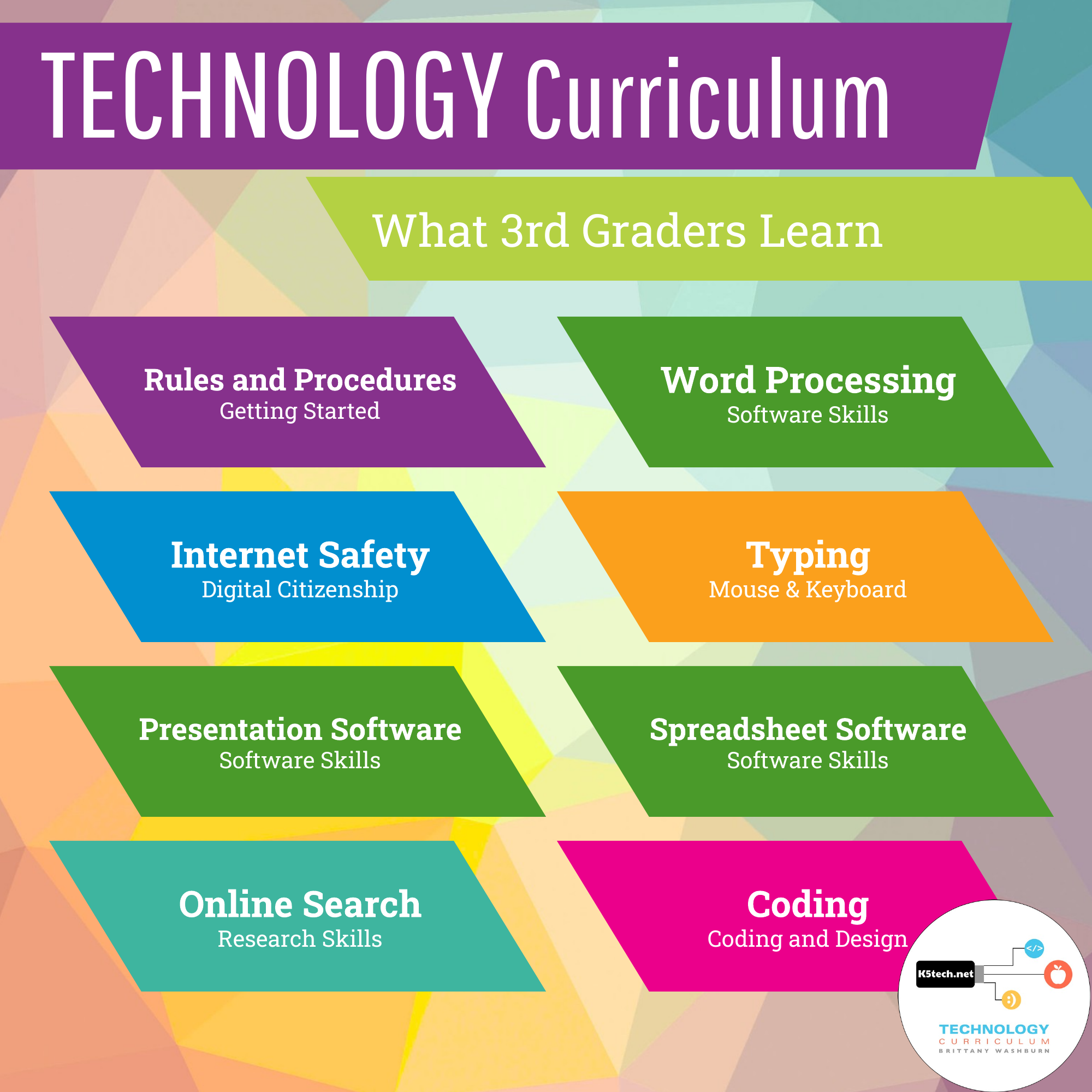
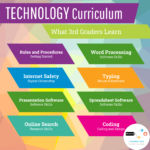
What 3rd graders learn in this technology curriculum
Third grade is the year my students go from using technology to making things with it. We spend a lot of time inside real software, and by the end of the year they’re ready to create documents, slides and graphs on their own going into 4th grade. Here’s what’s in each unit.
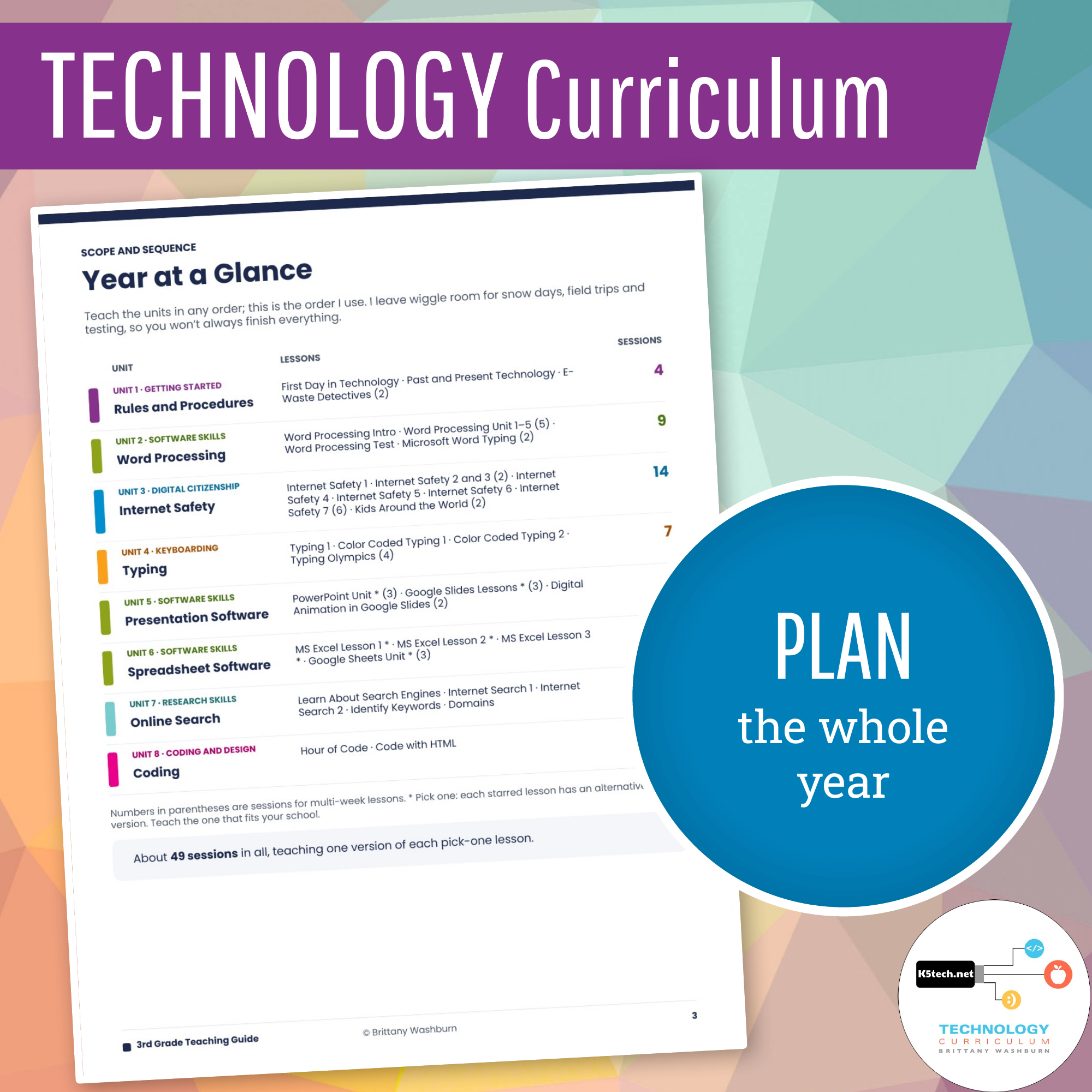
Unit 1 · Getting Started: Rules and Procedures (4 sessions)
- Follow computer lab routines and log in to find lesson activities
- Sort computer parts into inputs and outputs, and adjust brightness, volume and Night Light settings
- Compare old and new technology, and learn what e-waste is and how to reuse and recycle devices
Lessons: First Day in Technology · Past and Present Technology · E-Waste Detectives
ISTE 2024: 1.1.b, 1.1.d, 1.3.c, 1.3.d, 1.7.d
Unit 2 · Word Processing (8–9 sessions, Google Docs or Microsoft Word)
- Format text with bold, italic, underline, color, size and fonts
- Change lines and spacing, and build bulleted and numbered lists
- Work through self-guided learning modules, show what they know on a word processing test, then type, edit and save a story from a template
Lessons: Word Processing Intro · Word Processing Unit 1–5 · Word Processing Test · Microsoft Word Typing
ISTE 2024: 1.1.c, 1.1.d, 1.6.b
Unit 3 · Internet Safety and Digital Citizenship (14 sessions)
- Explain a digital footprint and think before posting
- Keep personal information and passwords private, and make strong passwords
- Tell digital drama from cyberbullying, and know how to respond
- Understand that online creators aren’t real-life friends
- Spot ads, tricks and clickbait, and see how AI tools, filters and edits change what we see online
- Give credit for other people’s work, and connect respectfully with a class in another place
Lessons: Internet Safety 1–7 · Kids Around the World
ISTE 2024: 1.1.c, 1.2.a, 1.2.b, 1.2.c, 1.2.d, 1.3.b, 1.6.b, 1.7.a, 1.7.b
Unit 4 · Typing (7 sessions)
- Find the home row keys and type with correct finger placement
- Find letters by color-coded rows and type sight words accurately
- Use correct posture and hand position, and track typing speed each week
Lessons: Typing 1 · Color Coded Typing 1 and 2 · Typing Olympics
ISTE 2024: 1.1.a, 1.1.d
Unit 5 · Presentations (4–5 sessions, Google Slides or PowerPoint)
- Change font style, size and color so slides are easy to read
- Insert and resize pictures that support the message, and use Word Art for key words
- Plan a stop-motion animation with a storyboard, build it with a partner, and fix it when it doesn’t work the first time
Lessons: Google Slides Lessons or PowerPoint Unit · Digital Animation in Google Slides
ISTE 2024: 1.1.d, 1.4.a, 1.4.d, 1.6.b, 1.6.c, 1.7.c
Unit 6 · Spreadsheets (3 sessions, Google Sheets or Excel)
- Enter data into a chart and turn it into a graph
- Write a question their data will answer, then build their own chart and graph
Lessons: Google Sheets Unit or MS Excel Lessons 1–3
ISTE 2024: 1.5.b
Unit 7 · Online Search and Research Skills (5 sessions)
- Explain how the internet brings a webpage to a device and how a search engine finds information
- Read a search results page and tell ads from regular results
- Pick keywords and narrow a big topic for a better search
- Use domains (.com, .org, .edu, .gov) to understand what a website is
Lessons: Learn About Search Engines · Internet Search 1 and 2 · Identify Keywords · Domains
ISTE 2024: 1.1.d, 1.3.a, 1.3.b
Unit 8 · Coding (2 sessions)
- Put code blocks in order to solve a puzzle, then find and fix bugs
- Edit real HTML tags in a template to change what a webpage shows
Lessons: Hour of Code · Code with HTML
ISTE 2024: 1.1.d, 1.5.d, 1.6.b
Every software unit works with either Google or Microsoft, so you teach whichever your school uses.
Kept current, one unit at a time
Technology changes fast, so every year I pick one part of the curriculum and rebuild it. So far I’ve updated the software skills lessons, coding, research skills, computer basics and digital citizenship. This year every grade also got a new editable Teaching Guide and Homeschool Setup and Adjustments pages. When you subscribe, updates are added automatically throughout your subscription year.
New lessons in 3rd grade: E-Waste Detectives · Kids Around the World · Internet Safety 7 (digital footprints, clickbait, giving credit, and how AI and filters change what we see online) · Code with HTML
Last updated November 2026.
Standards at a glance
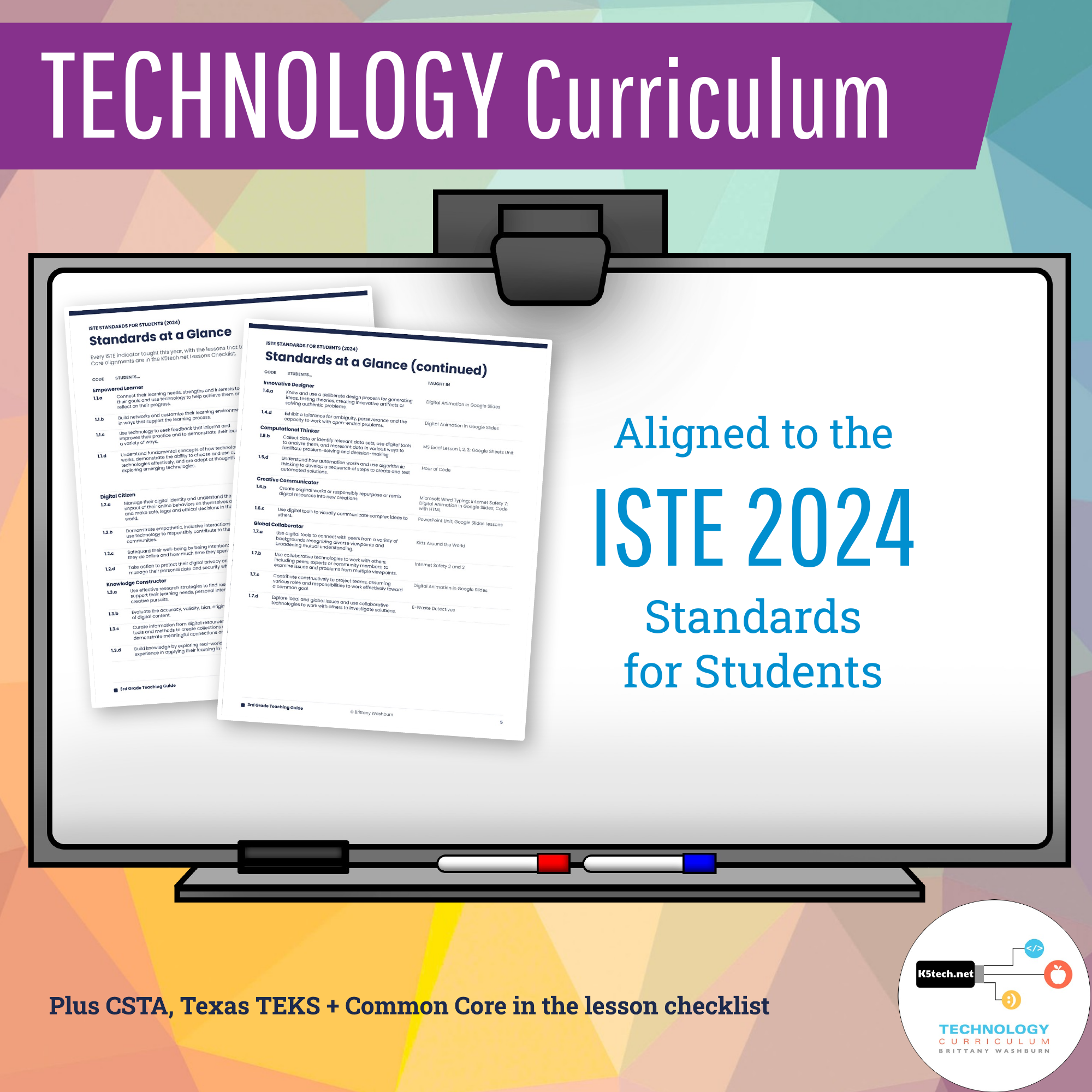
3rd grade covers all seven ISTE 2024 Standards for Students: Empowered Learner, Digital Citizen, Knowledge Constructor, Innovative Designer, Computational Thinker, Creative Communicator and Global Collaborator. Every lesson lists its ISTE codes and I Can statements. Your lesson checklist also maps lessons to CSTA, Texas TEKS and Common Core where they fit.
Why 3rd grade is a big tech year
In the tech lab, my 3rd graders learn perseverance and a LOT of tech skills. They don’t spend as much time online as other grades because so much of the year happens inside real software. That pays off: by the end of 3rd grade they can type with both hands, format a document, design slides and turn their own data into a graph. Those are the skills they’ll lean on for 4th grade research projects and beyond.
Save money by purchasing this in a Bundle for grades K-5
💻 What’s Included:
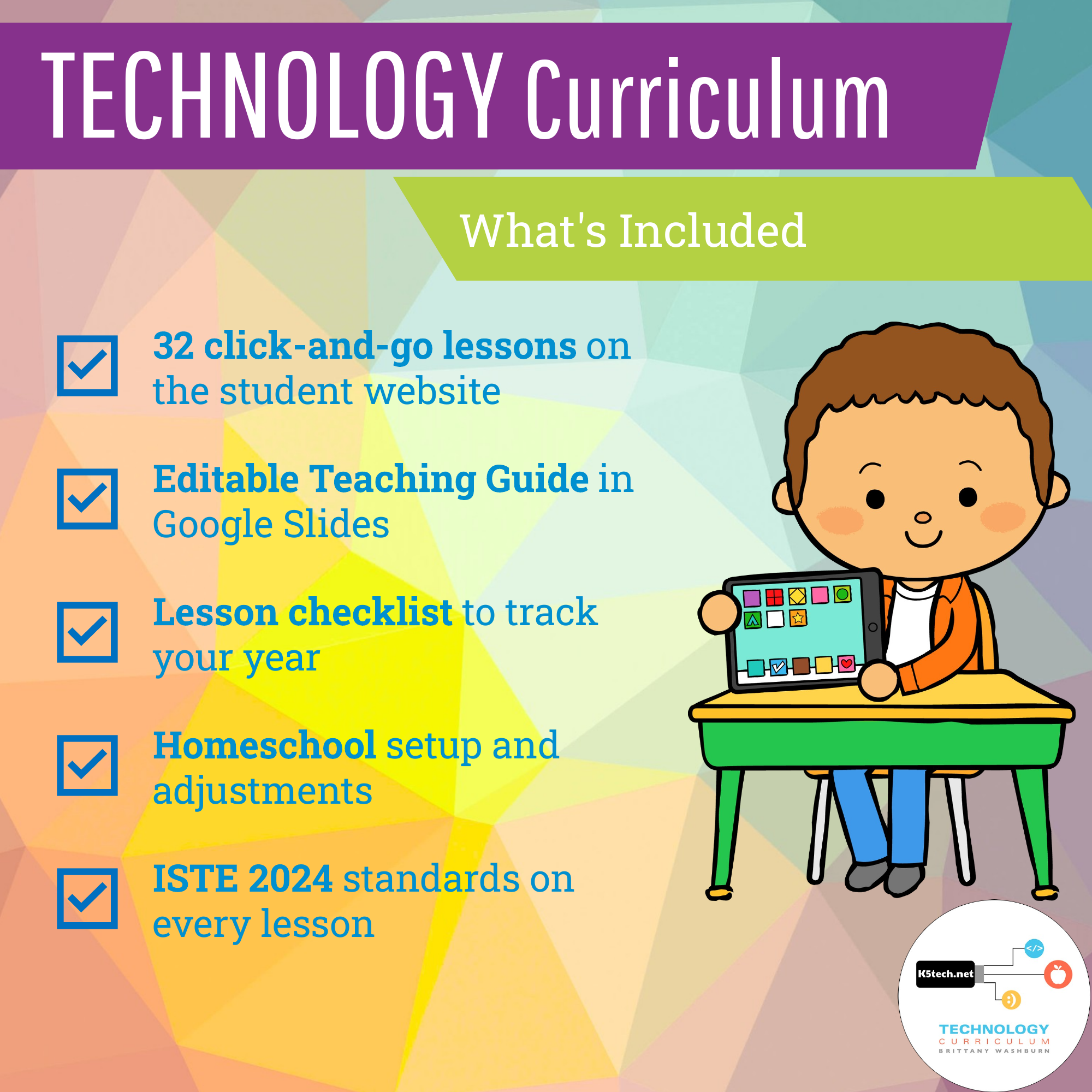
- ✅ A full school year of weekly tech classes: about 49 class sessions of click-and-go lessons and activities on the student website, with a class login
- ✅ An editable Teaching Guide in Google Slides (download it as PowerPoint or PDF)
- ✅ Unit overviews with key vocabulary
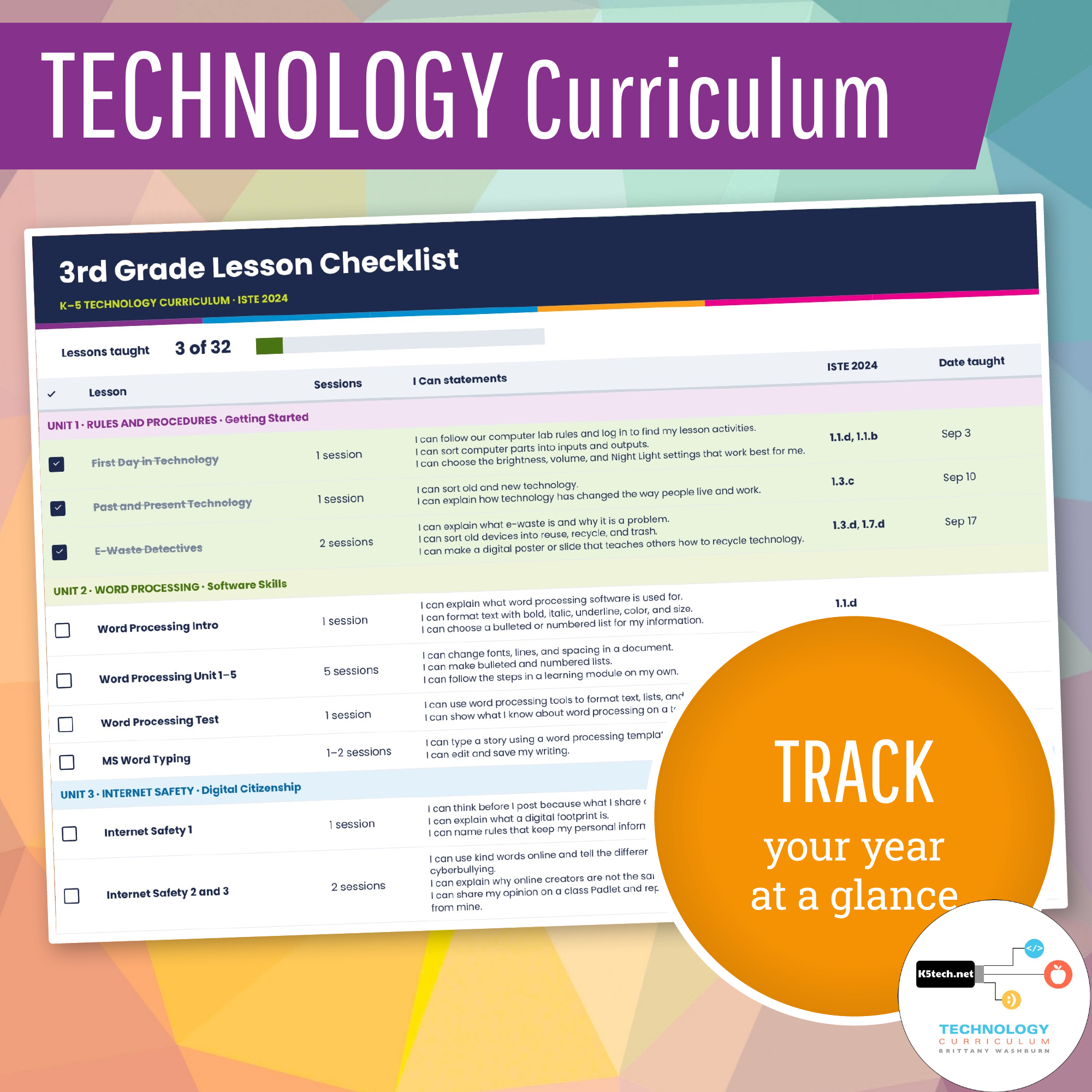
- ✅ ISTE 2024 standards on every lesson, plus CSTA, Texas TEKS and Common Core in the lesson checklist
- ✅ A lesson checklist to track your year, with spaces for dates taught and notes
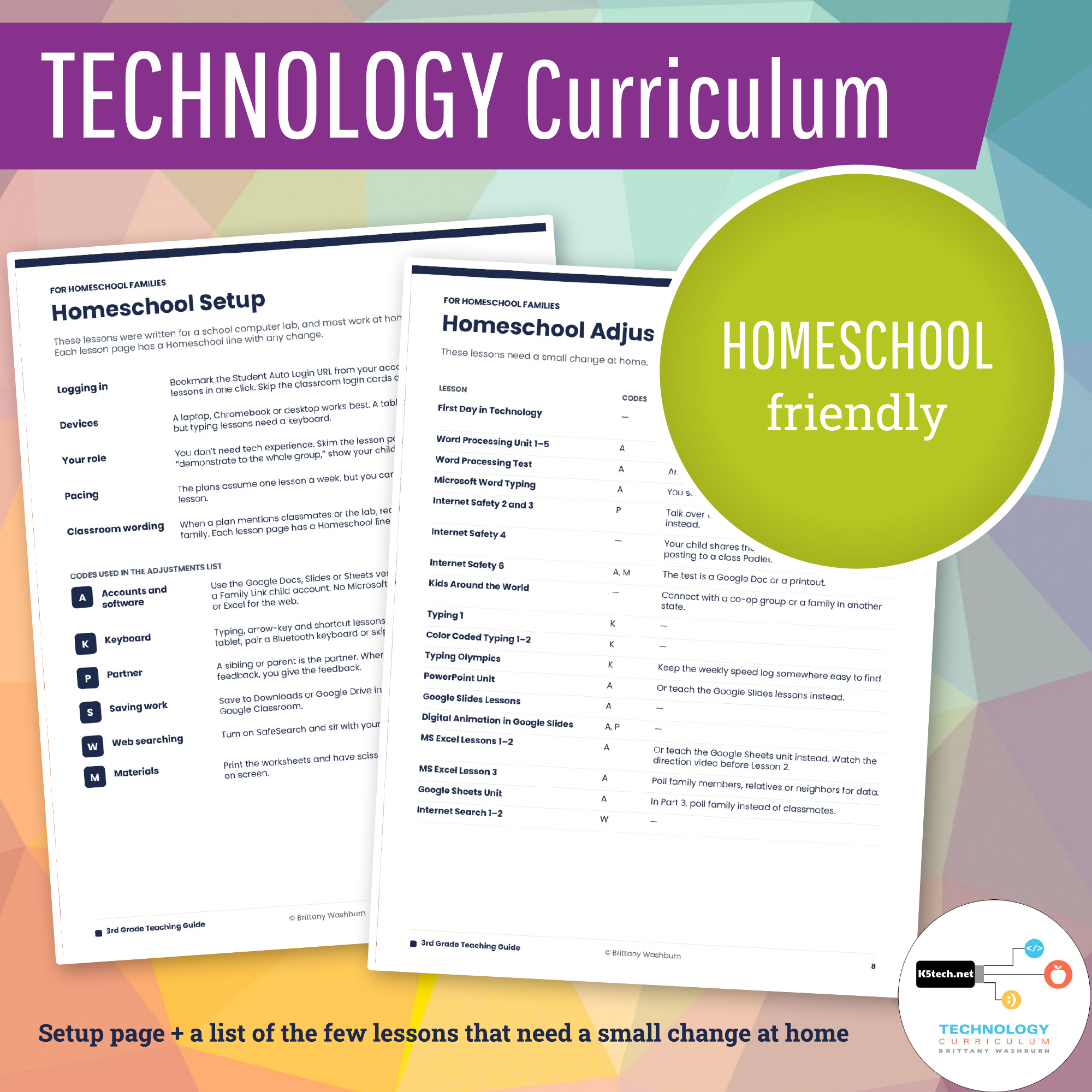
- ✅ Homeschool Setup and Homeschool Adjustments pages
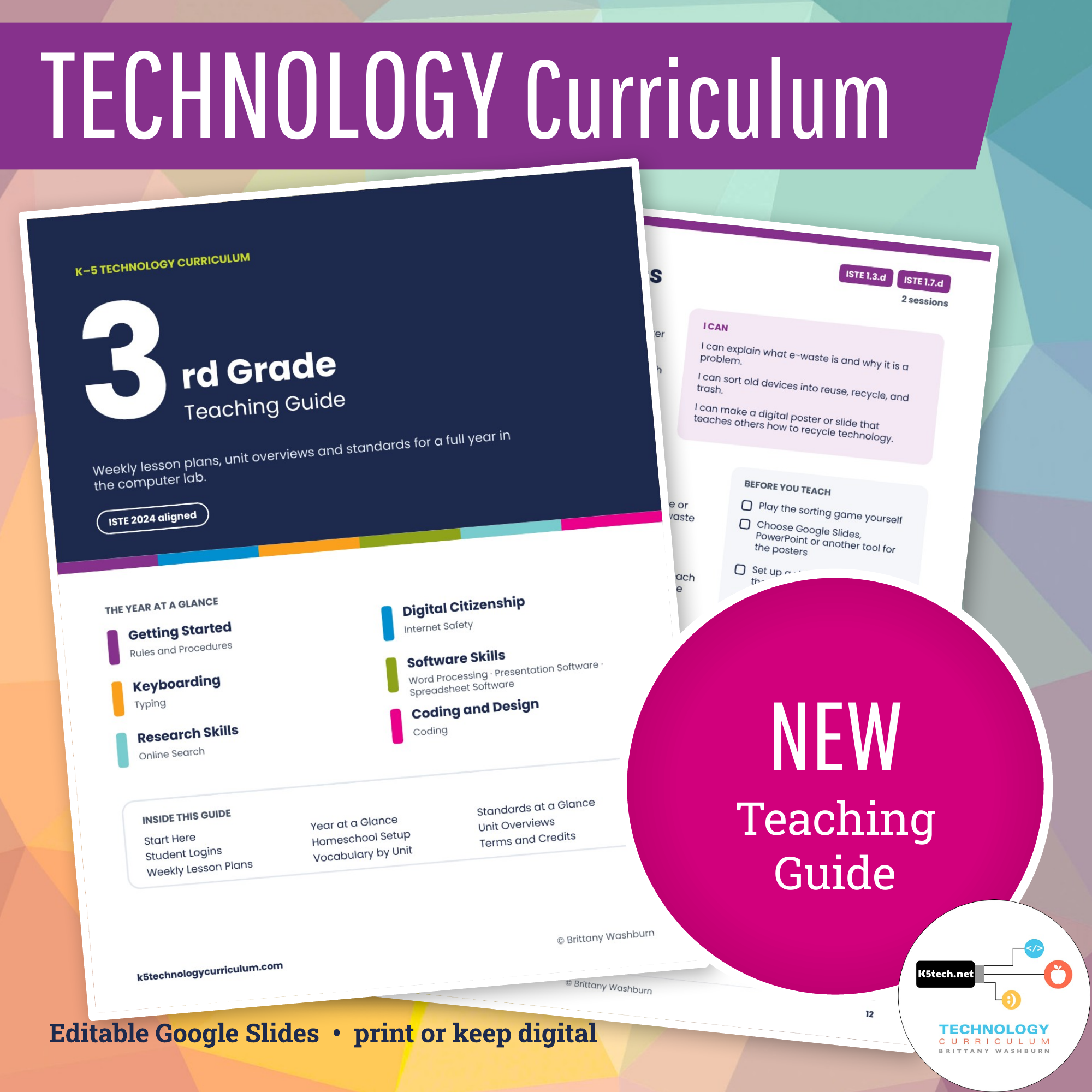
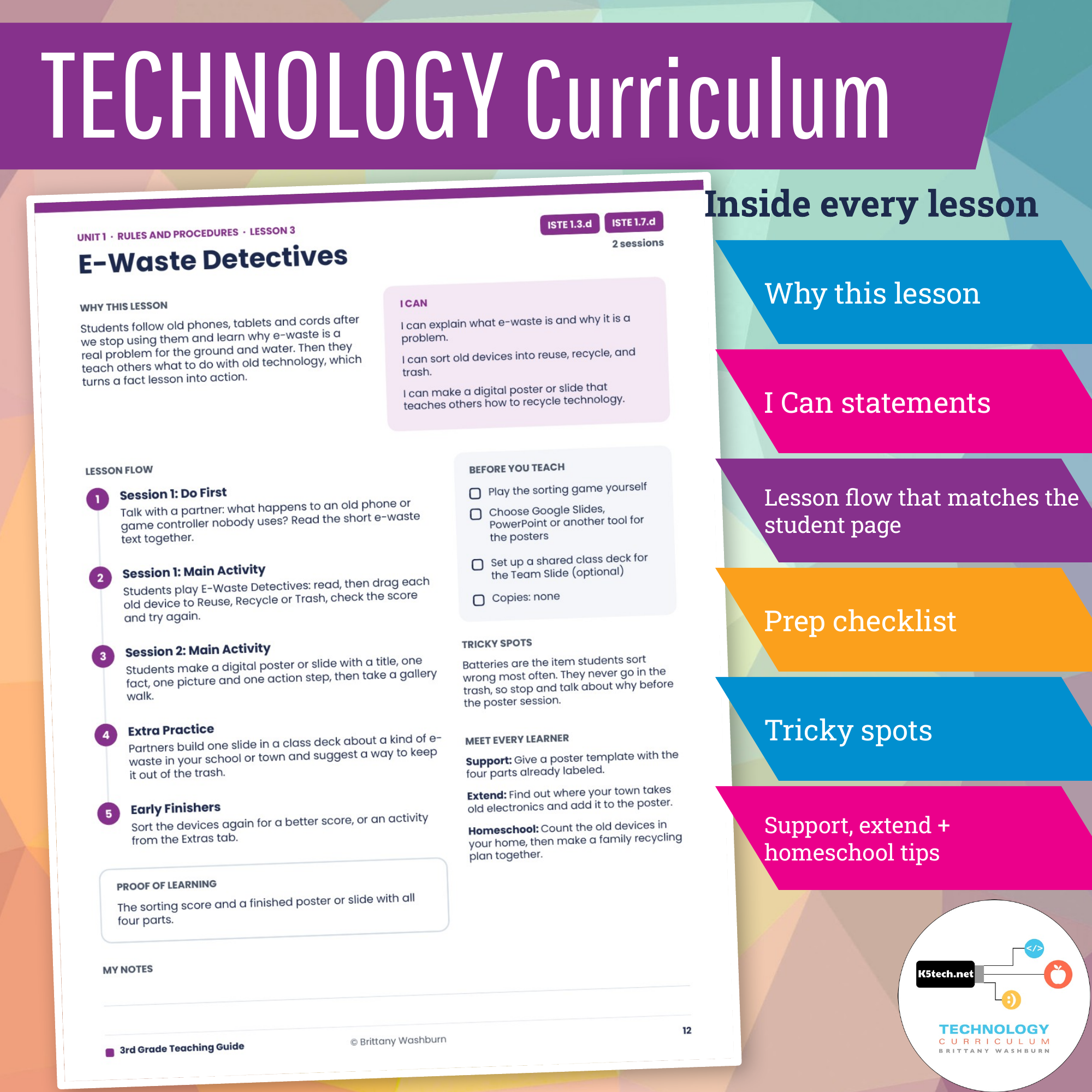
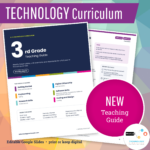
A Teaching Guide for the whole year. Every grade comes with an editable Teaching Guide in Google Slides. It opens with a Year at a Glance, Standards at a Glance and student login steps, then gives you a plan for every lesson: why it matters, the I Can statements, the lesson flow (matching what students see on screen), what to prep, tricky spots and ideas for support and extension. Make your own copy to edit it, print the pages you need, or keep it digital.
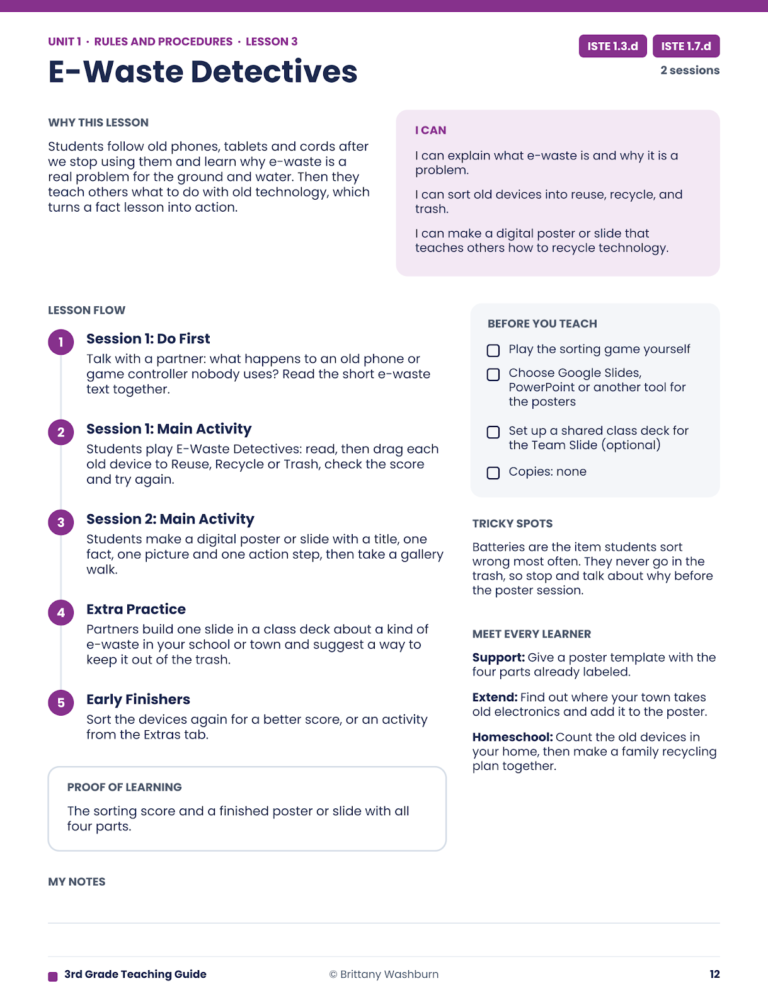
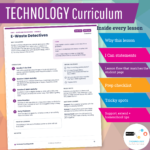
A real page from the 3rd Grade Teaching Guide: E-Waste Detectives
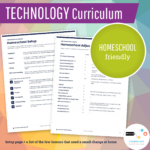
Homeschooling? The lessons work at home as written. Each Teaching Guide includes a Homeschool Setup page and a list of the few lessons that need a small change at home, like polling family members instead of classmates.
📘 How It Works:
-
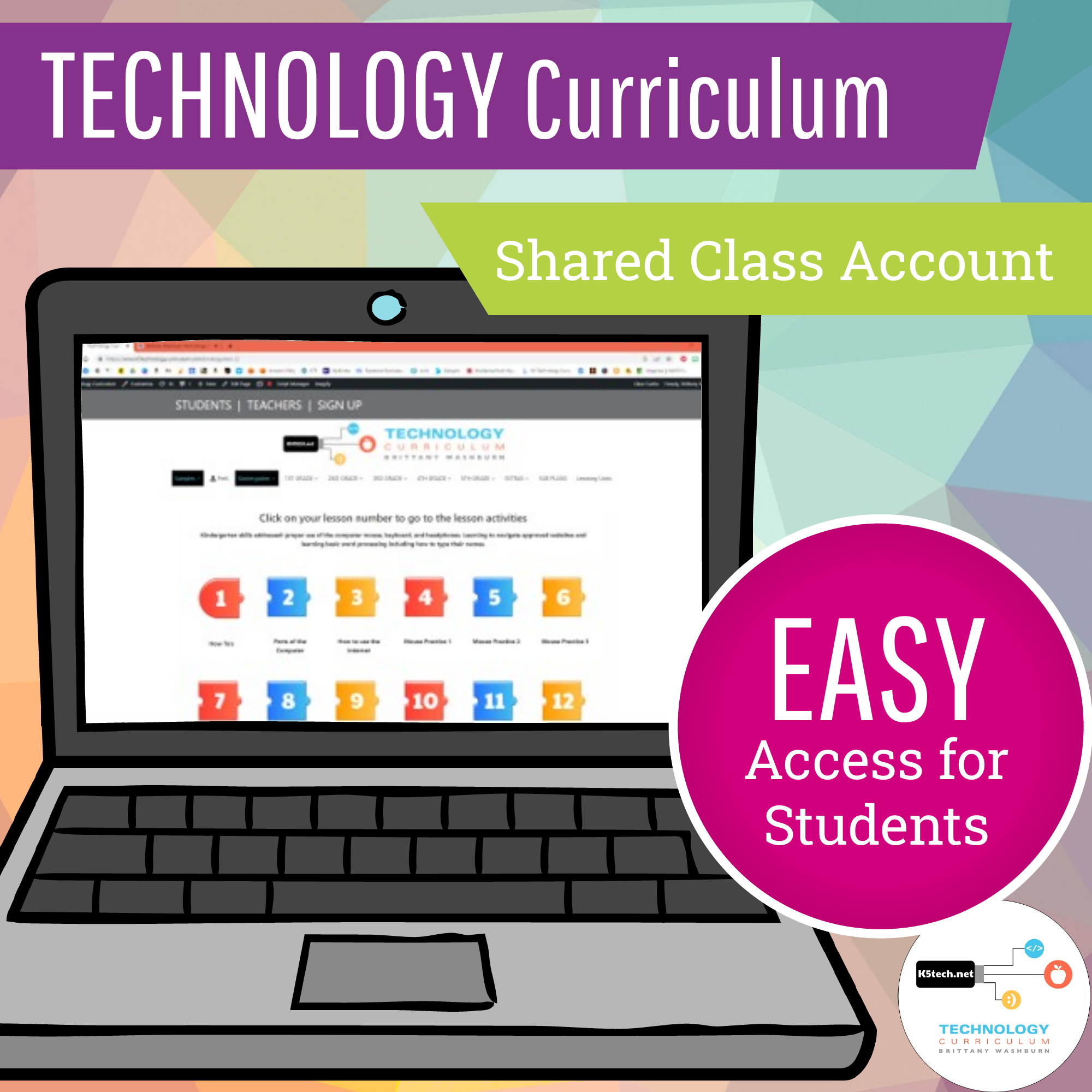
You’ll receive access to a class login account that all students use—no individual logins required
-
Choose from two easy student access options:
Share a secure Auto Login URL for instant accessOr have students manually log in using a class username and password (great for keyboarding practice!)
-
Simply guide students to the week’s lesson page and collect completed assignments as needed
-
Lessons are designed to be teacher-directed but student-driven, with built-in structure and flexibility
BONUS if you have time:
- Digital breakouts
- Technology vocabulary activities
- Typing sight words
Frequently asked questions
What computer skills do 3rd graders learn in this curriculum?
Keyboarding with correct hand position, word processing, presentations, spreadsheets and graphs, internet safety and digital citizenship, online search and research skills, and beginning coding with Hour of Code and HTML.
How long does it last?
About 49 class sessions, so a full school year of once-a-week technology classes. Each lesson page is click-and-go for students, and the Teaching Guide gives you a plan for every lesson.
Do I need Google or Microsoft?
Either one. Every software unit works with either Google (Docs, Slides, Sheets) or Microsoft (Word, PowerPoint, Excel), so you teach whichever your school uses. Lessons work on Chromebooks, PCs and Macs.
Do students need their own accounts?
No. Your class shares one login, either an Auto Login URL or a class username and password, and no student data is collected.
Can I use it if I’m not a technology teacher, or if I homeschool?
Yes. It’s designed for classroom teachers with lab time and homeschool families too. The Teaching Guide walks you through every lesson, and the homeschool pages show the few lessons that need a small change at home.
What standards does it cover?
All seven ISTE 2024 Standards for Students, with I Can statements on every lesson, plus CSTA, Texas TEKS and Common Core mapped in the lesson checklist.
This is a 365 day recurring subscription. The subscription will automatically renew unless you cancel it, which you can do from inside of your account.
Try a free sample lesson: Code with HTML and Typing Olympics.
Read more: what 3rd graders learn in technology class.
Looking for another grade? See 2nd grade, 4th grade, or save with the K–5 bundle.
Watch these video demos:
You must be logged in to post a review.
You may also like…
-
Sale!

K-5 Technology Curriculum Bundle Yearly Subscription
Original price was: $216.00.$162.00Current price is: $162.00. / year

Reviews
There are no reviews yet.