
1st Grade Technology Curriculum Subscription
$36.00 / year
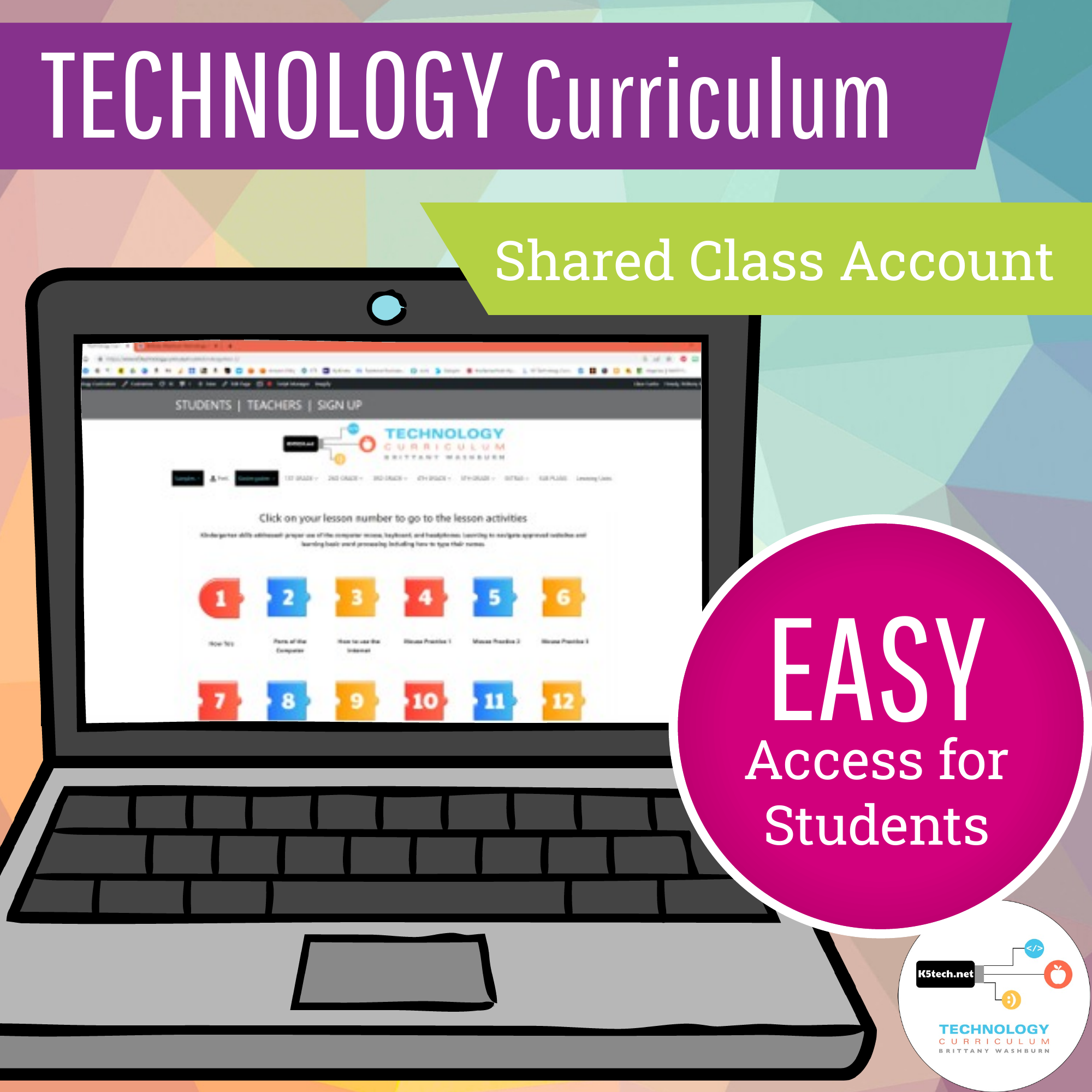
40+ 1st grade technology lesson plans and activities for the entire school year that will make a great supplement to your technology curriculum. These lesson plans and activities will save you so much time coming up with what to do during your computer lab time. Ideal for a technology teacher or a 1st grade teacher with mandatory lab time. All of the work is done for you! Subscription includes an Auto Login URL for students. Simply share the URL with students and it logs them in automatically. Great for little ones! *Cookies must be enabled on your student devices for this to work.
No Stress Ordering:
- Download the teacher files as soon as the order is placed.
- You’ll also receive an email with the download link(s) so that you can access them anywhere.
- The subscriptions come with both digital downloads and virtual content hosted on my webpages. All of the access information will be provided to you.
Description
💻 What’s Included:
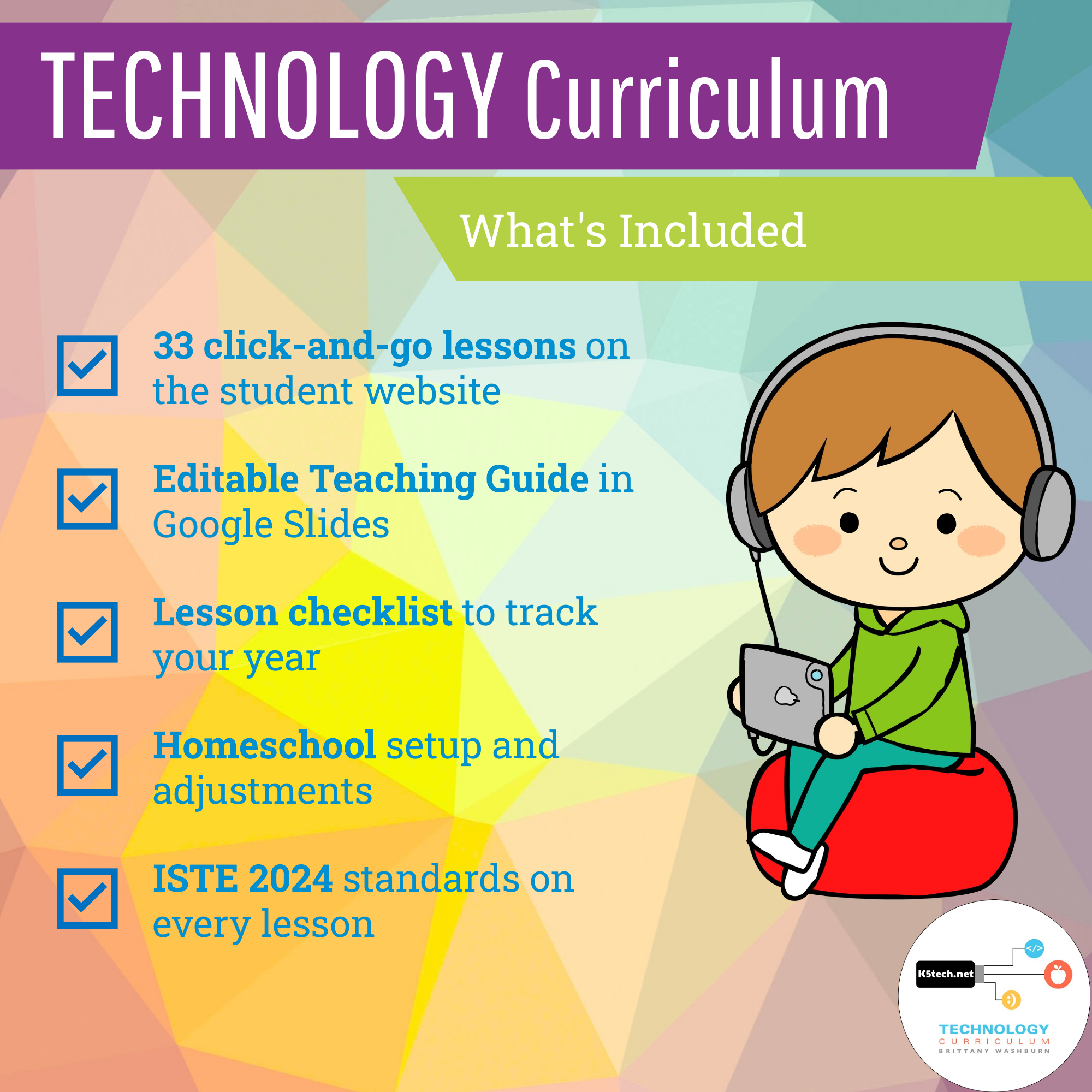
- ✅ 40 click-and-go lessons on the student website, with a class login
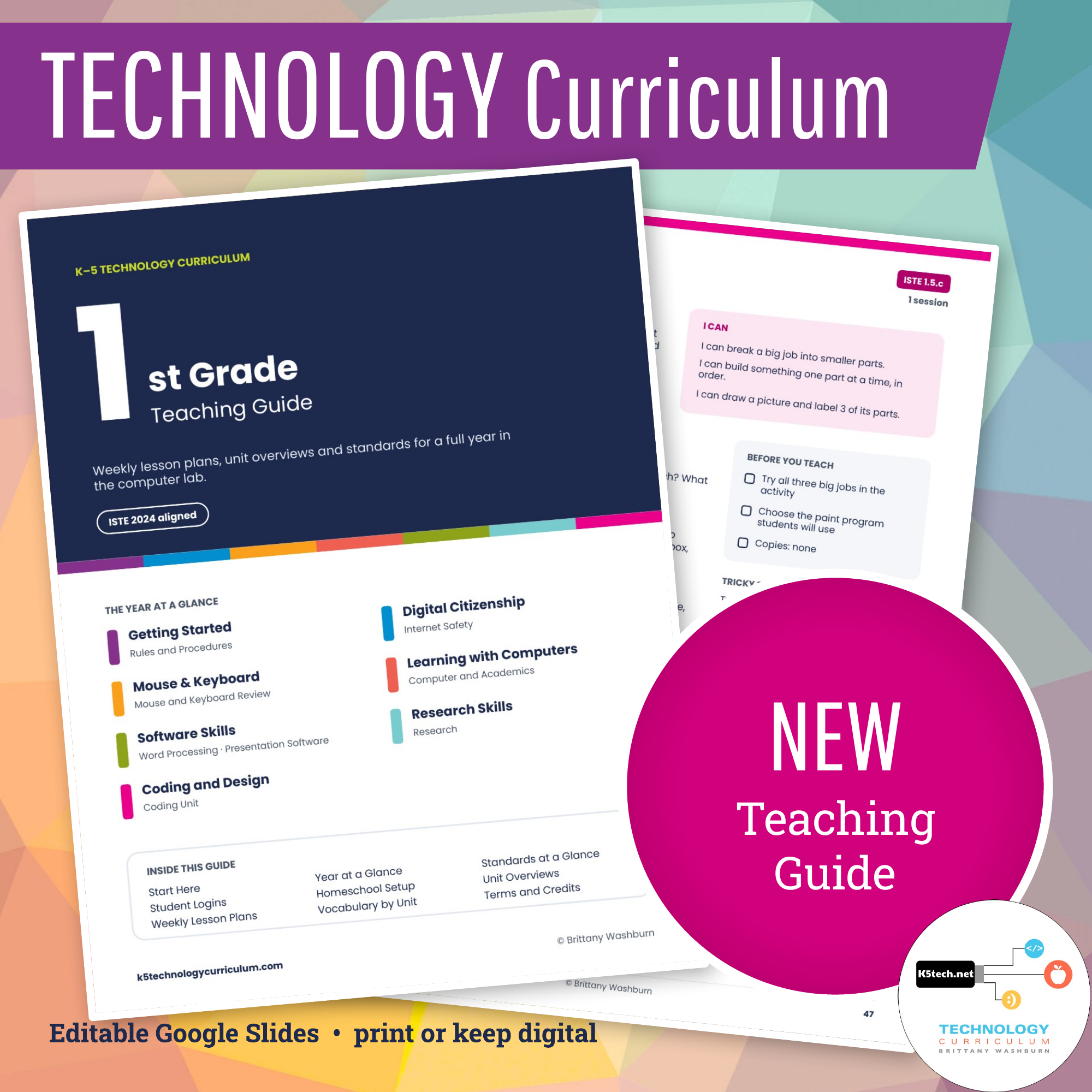
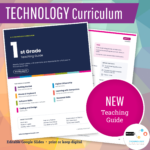
- ✅ An editable Teaching Guide in Google Slides (download it as PowerPoint or PDF)
- ✅ Unit overviews with key vocabulary
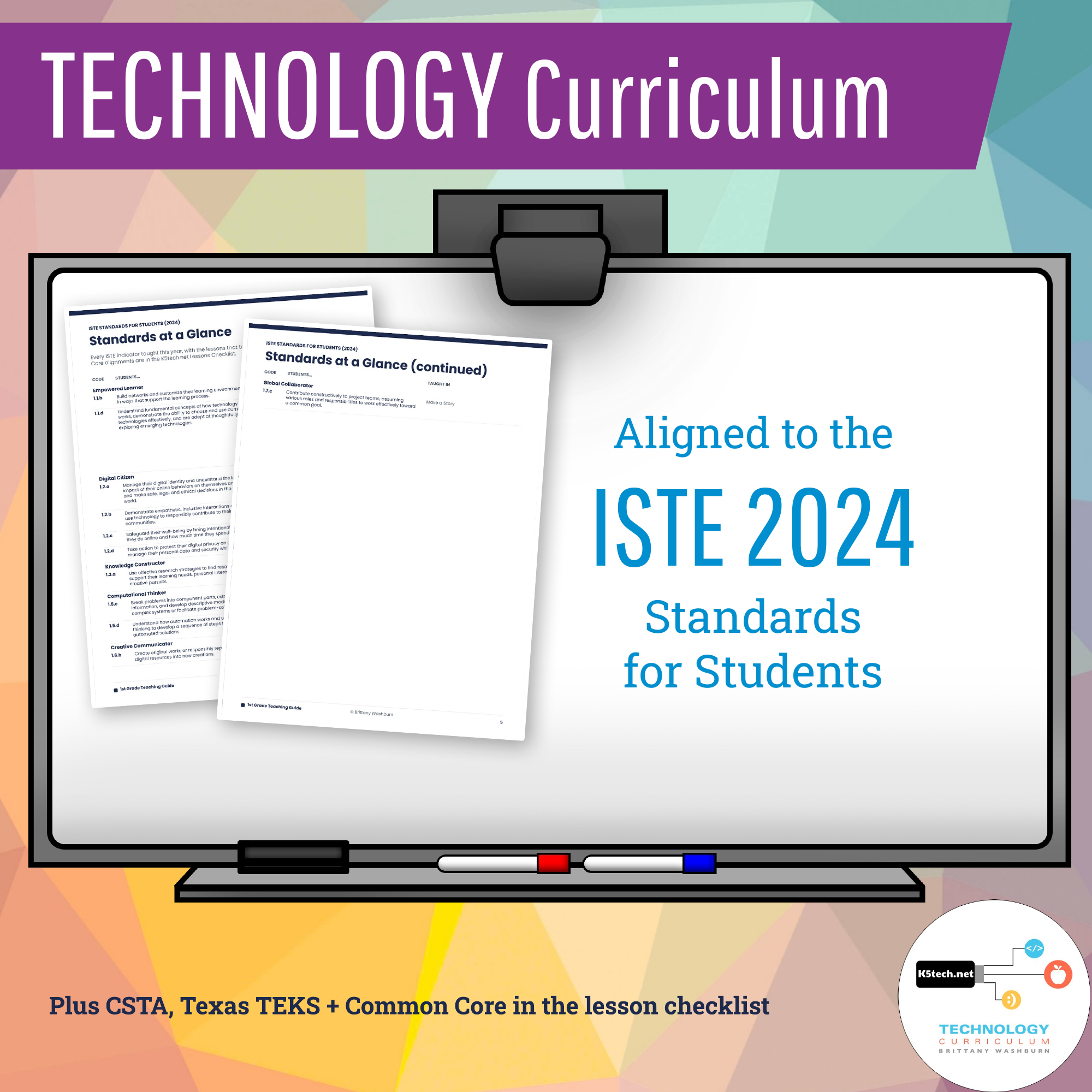
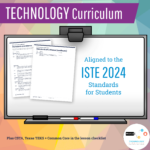
- ✅ ISTE 2024 standards on every lesson, plus CSTA, Texas TEKS and Common Core in the lesson checklist
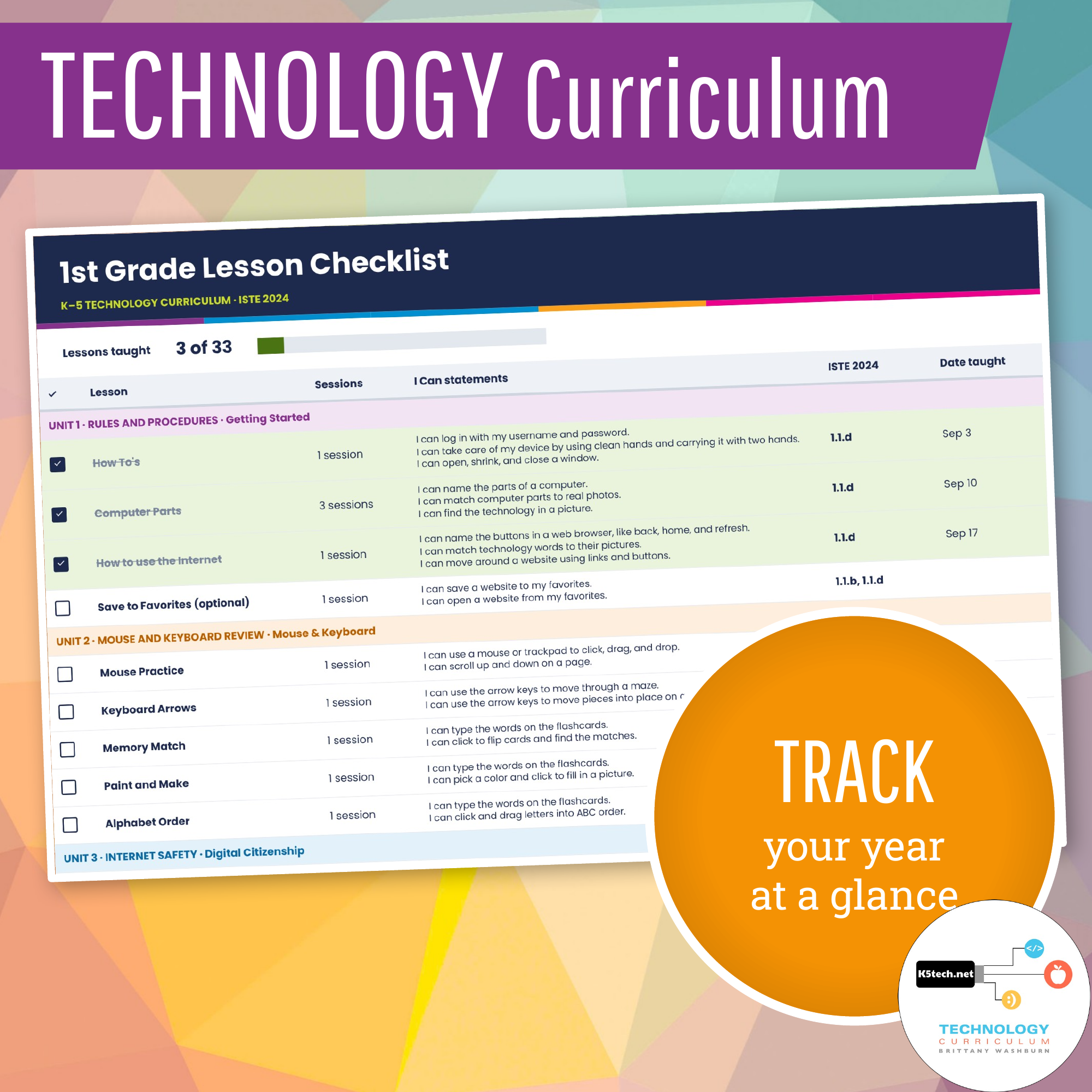
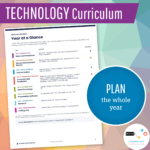
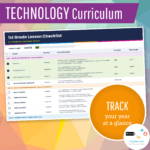
- ✅ A lesson checklist to track your year, with spaces for dates taught and notes
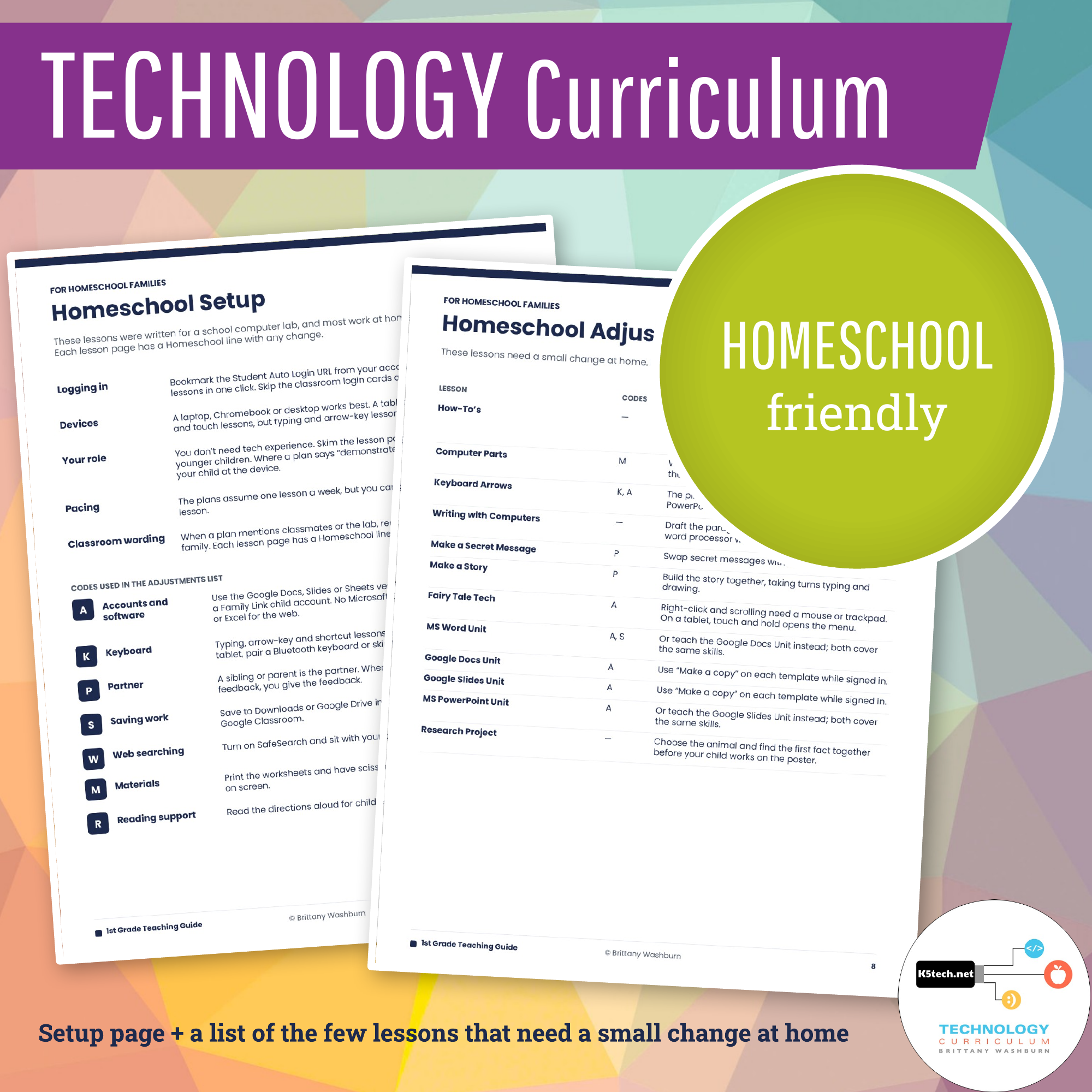
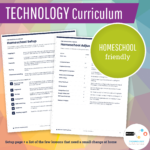
- ✅ Homeschool Setup and Homeschool Adjustments pages
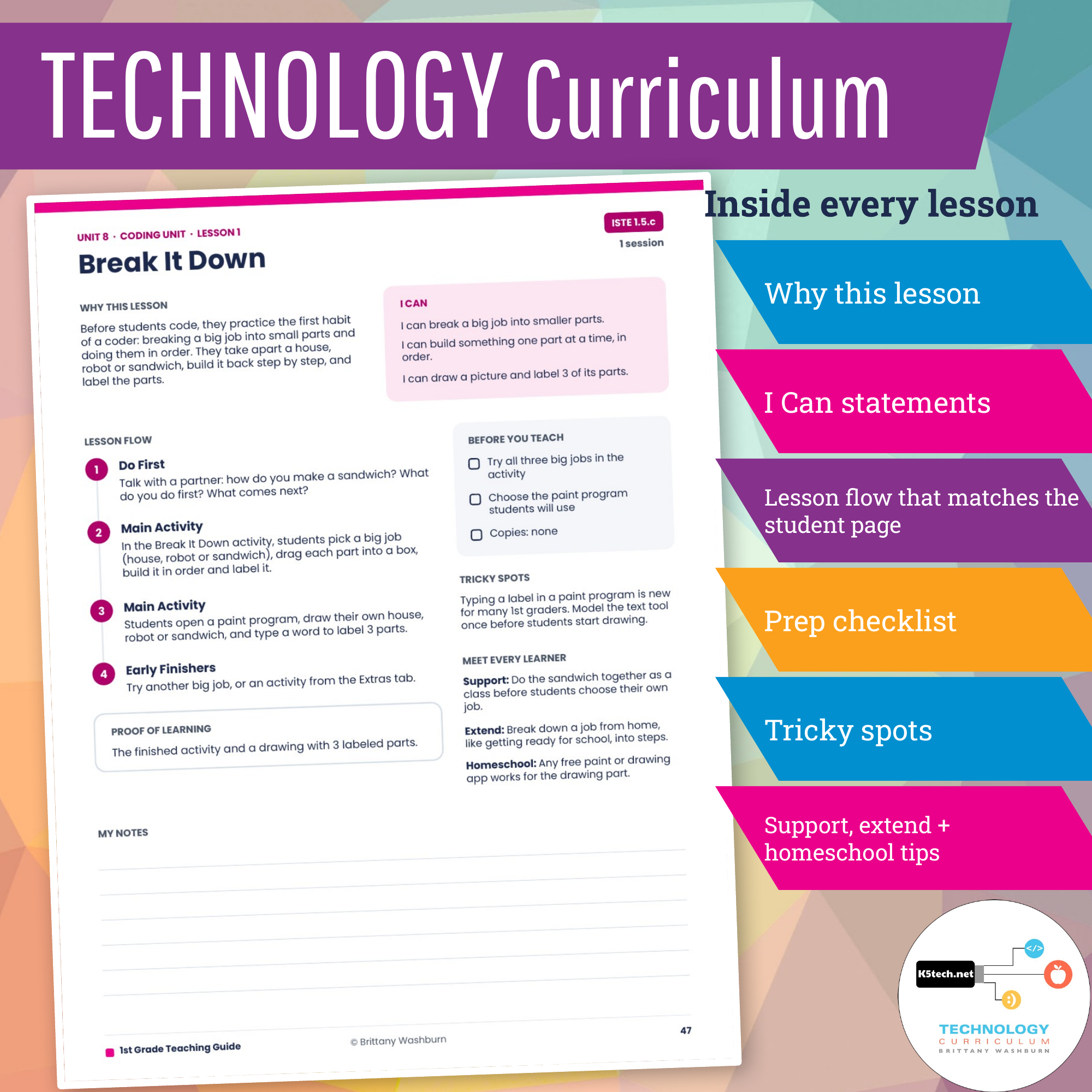
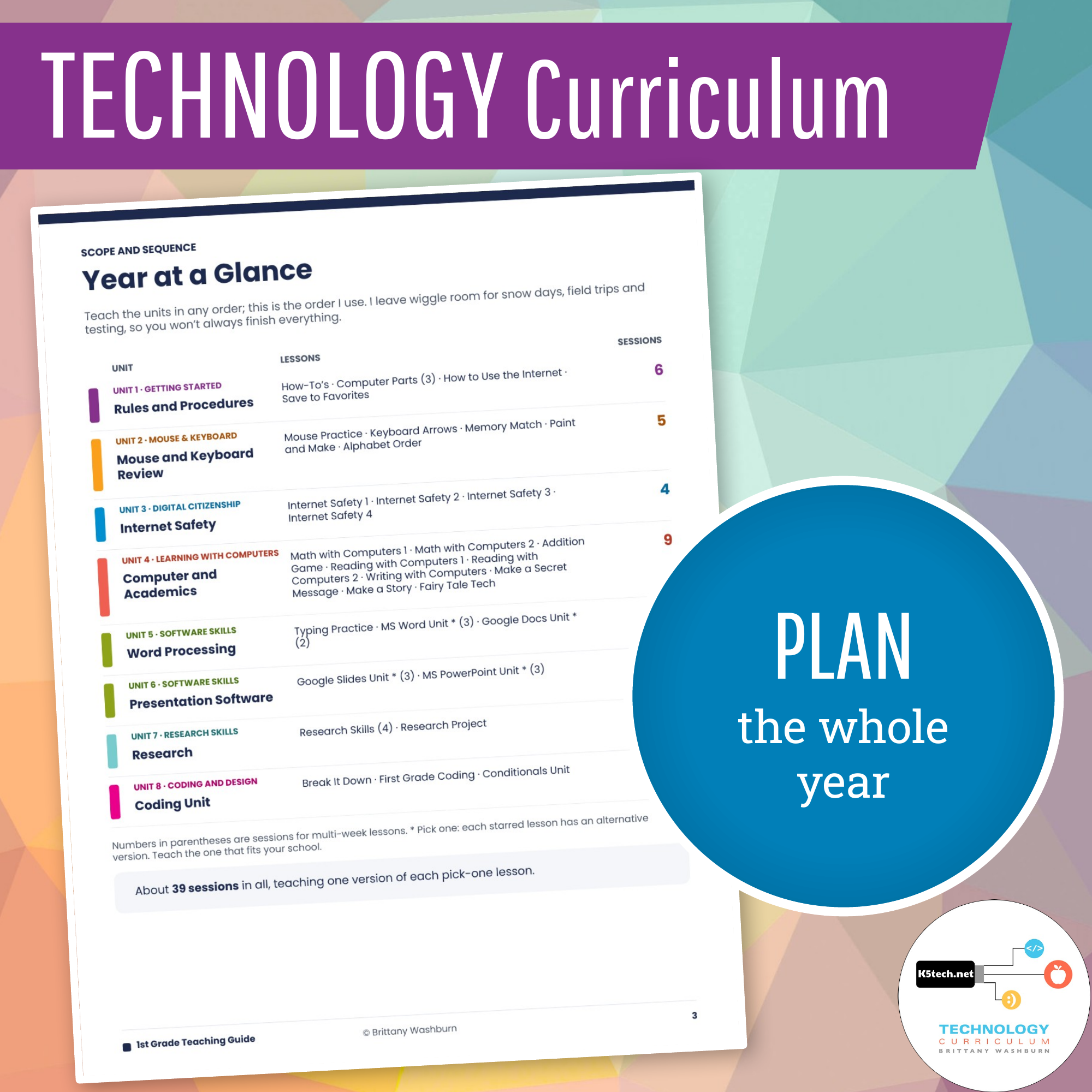
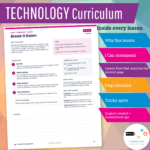
A Teaching Guide for the whole year. Every grade comes with an editable Teaching Guide in Google Slides. It opens with a Year at a Glance, Standards at a Glance and student login steps, then gives you a plan for every lesson: why it matters, the I Can statements, the lesson flow (matching what students see on screen), what to prep, tricky spots and ideas for support and extension. Make your own copy to edit it, print the pages you need, or keep it digital.
Homeschooling? The lessons work at home as written. Each Teaching Guide includes a Homeschool Setup page and a list of the few lessons that need a small change at home, like polling family members instead of classmates.
How It Works
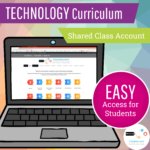
When you subscribe, you gain access to a comprehensive digital learning platform designed to enhance your classroom experience. Here’s how you and your students can make the most of it:- Class Account Access: With your subscription, you receive a single class account that all students will use to access the curriculum’s lesson pages. Think of this as your digital textbook, where every student can use the class account and explore the content.
- Student Login Options: There are two easy ways for students to access the lessons:
- Auto Login URL: Share a unique Auto Login URL with your students for quick, hassle-free access to the class account. No need to remember usernames and passwords!
- Username and Password: Alternatively, students can manually log in using the class account username and password. This method is great for reinforcing digital literacy skills like typing and account management.
- Teacher Facilitation: As the teacher, you continue to guide your students through their learning journey. Direct them to the specific lesson pages that align with your teaching plan, monitor their progress, and collect their completed assignments for assessment.
- Subscription includes an Auto Login URL for students. Simply share the URL with students and it logs them in automatically. Great for little ones! *Cookies must be enabled on your student devices for this to work.
- Laptops are ideal (PC or Chromebooks) because not all of the activities will load correctly from a tablet. I do not recommend buying this if you only have tablets.
- The Teaching Guide is in Google Slides, and you can download it as PowerPoint or PDF.
- There are a handful of YouTube videos to supplement the lessons. If you don’t have access to YouTube you can accomplish the same objective by doing a demonstration yourself.
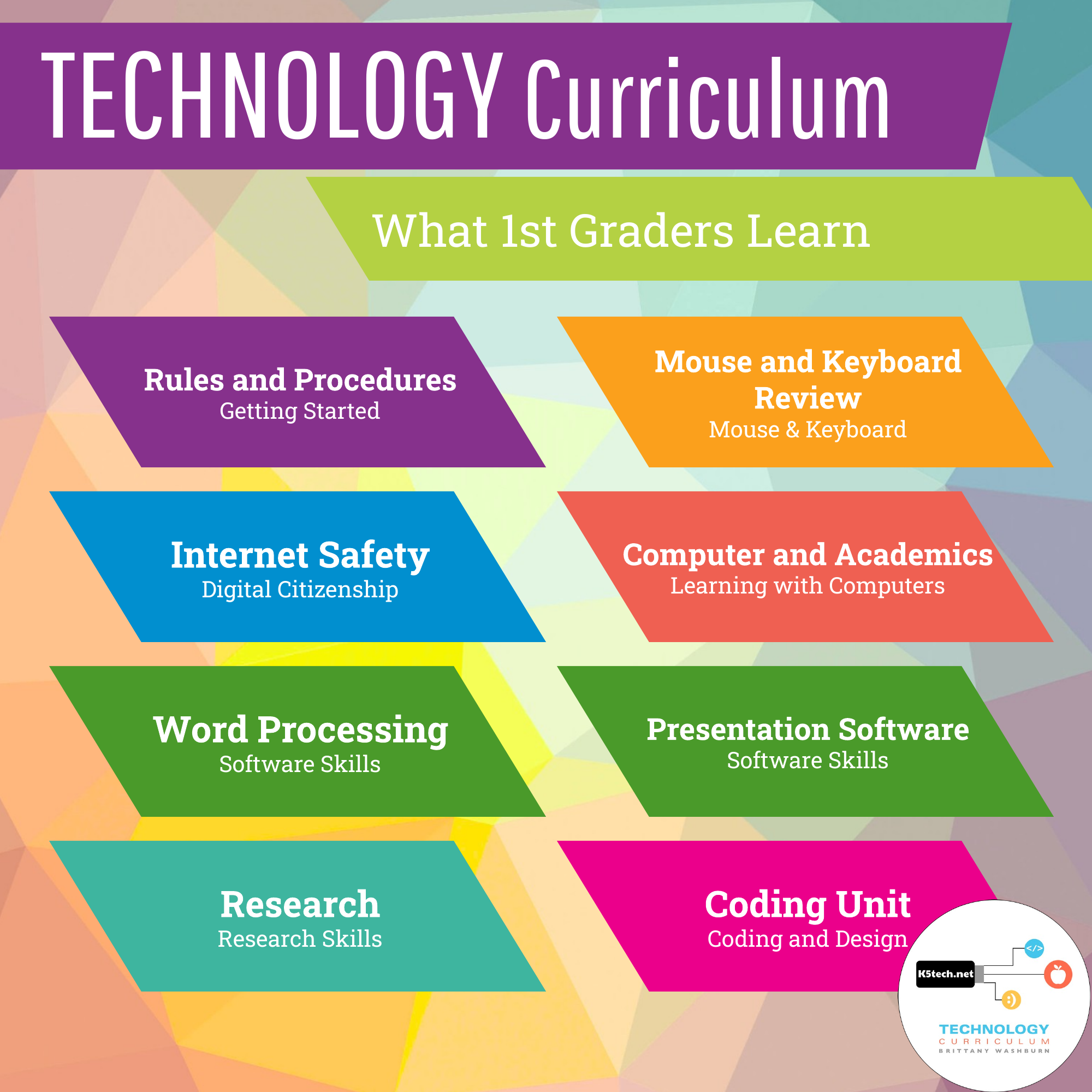
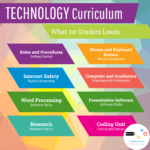
These are the lesson titles you will find in this resource:
Rules and Procedures
- How-To’s
- Computer Parts, 3 sessions (comes with printable worksheets)
- How to Use the Internet
- Save to Favorites
Mouse and Keyboard Review
- Mouse Practice (repeat as many times as needed)
- Keyboard Arrows (repeat until mastered)
- Memory Match
- Paint and Make
- Alphabet Order
Internet Safety
- Internet Safety 1–4
- Digital activities to go with the Common Sense Media curriculum
- Private and personal information
- NetSmartz Into the Cloud videos
Computer and Academics
- Math with Computers 1 and 2
- Addition Game
- Reading with Computers 1 and 2
- Writing with Computers
- Make a Secret Message
- Make a Story
- Fairy Tale Tech
Word Processing
- Typing Practice
- MS Word Unit OR Google Docs Unit
- Typing in a document
- Changing the fonts
- Adding pictures
Presentation Software
- MS PowerPoint Unit OR Google Slides Unit
- Adding pictures
- Fonts and text
- Slide layouts
Research
- Research Skills, 4 lessons
- Research steps
- Keywords
- Taking notes
- Giving credit
- Research Project
Coding Unit
- Break It Down
- First Grade Coding
- Conditionals Unit
You must be logged in to post a review.
You may also like…
-
Sale!

K-5 Technology Curriculum Bundle Yearly Subscription
Original price was: $216.00.$162.00Current price is: $162.00. / year

Reviews
There are no reviews yet.