
Make A Wordle
A “Wordle” or “Word Cloud” is a visual representation of text. It is a picture made up of lots of words that are all related to a certain topic. The most important words are usually bigger and the less important words are smaller. It’s good to know how to make a word cloud because it can help you understand what a big group of words is all about. It’s like a fun way to see which words are used the most.
The fun part is that you get to be creative, the academic part is that you get to show what you know. These are your 2 choices for making your Word Cloud. I recommend playing with both and seeing which features you like better.


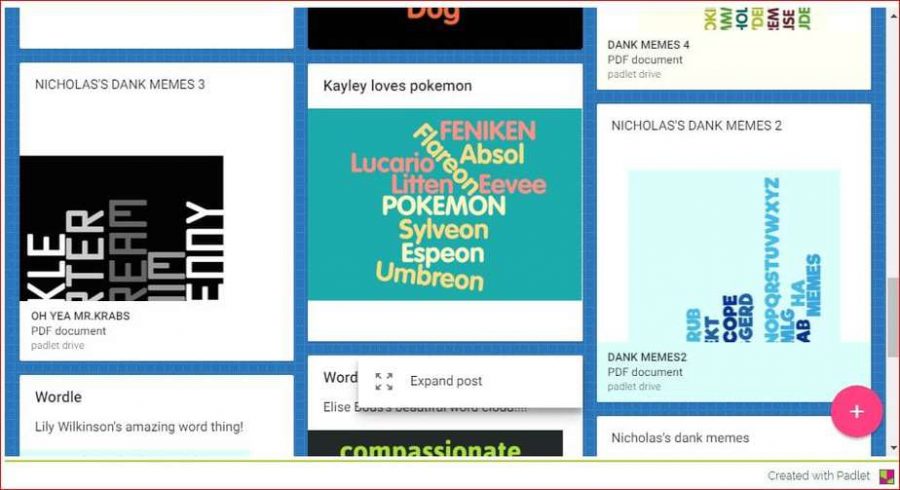
Your task today is to make a Word Cloud with AT LEAST 10 words. You can choose your topic and your color scheme and layout. Choose 2 words to make bigger than the other words. Then, save your work and upload it to share.
Don’t forget to upload your finished product
If you finish early you may go to the Sponge activities or practice typing sight words:
Strand: Creative Communicator
Standards:
1.6.b. Students create original works or responsibly repurpose or remix digital resources into new creations.
1.6.a. Students choose the appropriate platforms and digital tools for meeting the desired objectives of their creation or communication.
I Can Statements:
I can make a word cloud with at least 10 words about a topic.
I can try two tools and choose the one that works best for my project.
I can save my word cloud and share it on a class Padlet.
🖥️ For teachers: This free activity comes from the K–5 Technology Curriculum, a complete set of computer lab lessons for grades K–5. [Find out more →] Click here to learn more.