

Learn about Using a Mouse or Trackpad with this eBook:


Mouse Practice: Try all of the learning activities.
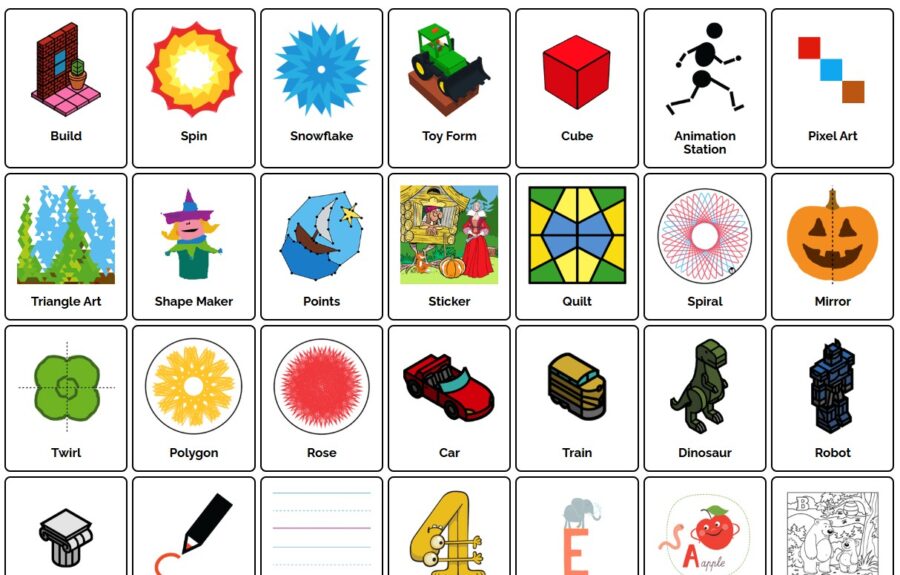
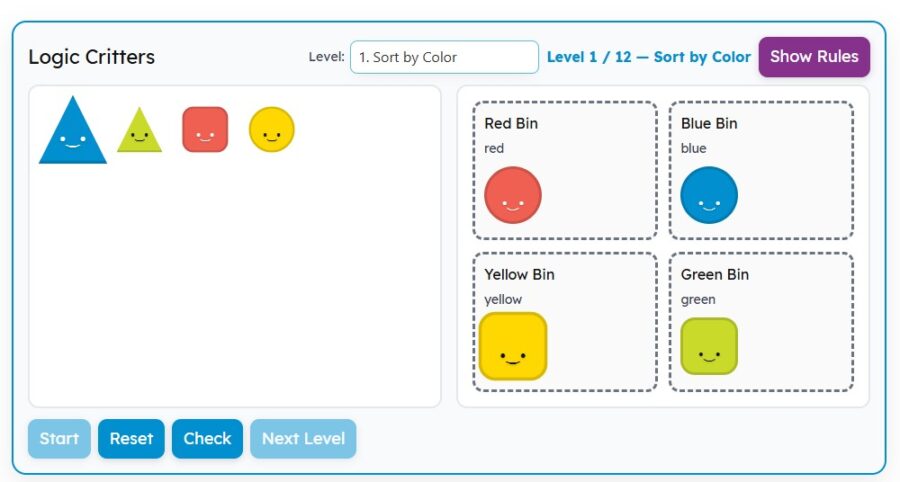


Mouse Skills Playground
Try the Drag and Scroll stations.
Optional activity if you have time
If you have a Google Account, click the Google Slides Version and then click the Use Template button.
If you have PowerPoint, click PowerPoint Version and then it will download to your device.

When you’re finished you can explore these learning games


Strand: Empowered Learner
Standard: 1.1.d. Students understand fundamental concepts of how technology works, demonstrate the ability to choose and use current technologies effectively, and are adept at thoughtfully exploring emerging technologies.
I Can Statements:
I can use a mouse or trackpad to click, drag, and drop.
I can scroll up and down on a page.
🖥️ For teachers: This free activity comes from the K–5 Technology Curriculum, a complete set of computer lab lessons for grades K–5. [Click here to find out more]